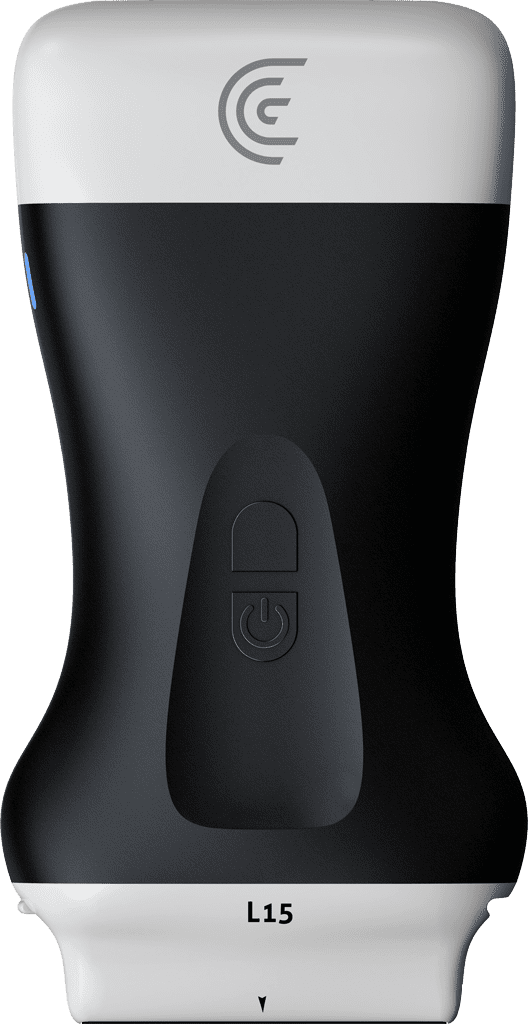
hi my name is Shelly and today I'm going to show you how to do a 2d distance measurement on your clarius scanner so I'm just going to acquire an image of the thyroid gland the right and left lobes and freeze my image now there's a couple of different ways you can access distance measurements I can go into the measurement tool and under General select distance measurement and I can fine tune by just dragging my finger within the circle to adjust the calipers if I want another caliper I just go back into the measurement tool and do the same thing for a second distance measurement now if I want a really quick access to just a single measurement I can freeze my image into a long hold on the screen and that initiates two calipers that I can make fine tuning adjustments to so a couple of quick and easy way to do distance measurements with your clarius scanner thank you