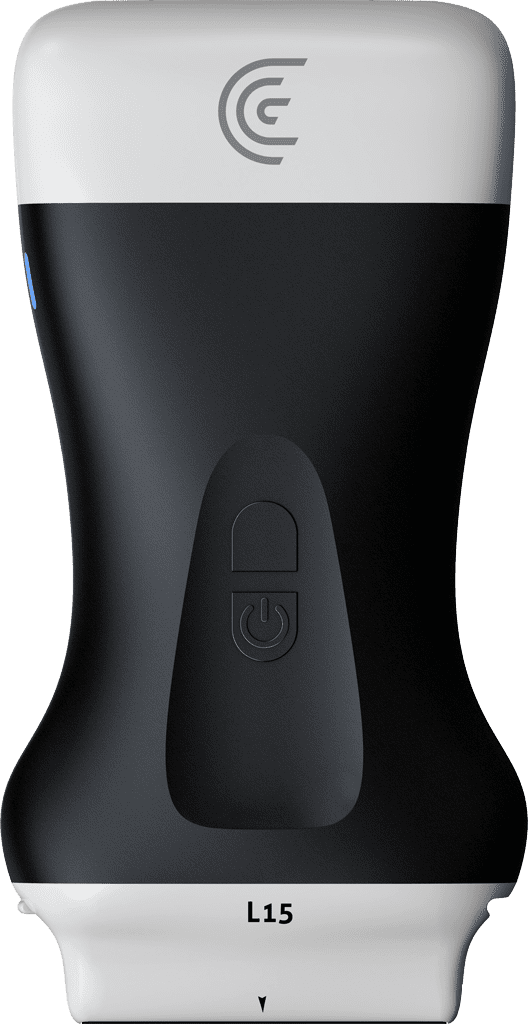
hi my name is shelly and today i'm going to show you how you can annotate your ultrasound images with your clarius scanner so once you've acquired an image you want to make sure that you freeze the image and then you go to the little icon at the bottom left your measurement annotation icon tap on that and you'll see the option to annotate at the very top so once you tap on that you're going to see some pre-programmed annotations in there that you can choose you can also enter your own if you don't see what you want but for this i know that i am transverse left lobe of the thyroid i'm just going to tap outside of that box and here are my annotations i can move them around just by dragging them to where i want them can also take a little pin and point to the structure and if i decide i don't want one of the annotations it's really easy just to tap on the trash can and that one is gone if you go back into the annotations there's the option to clear as well