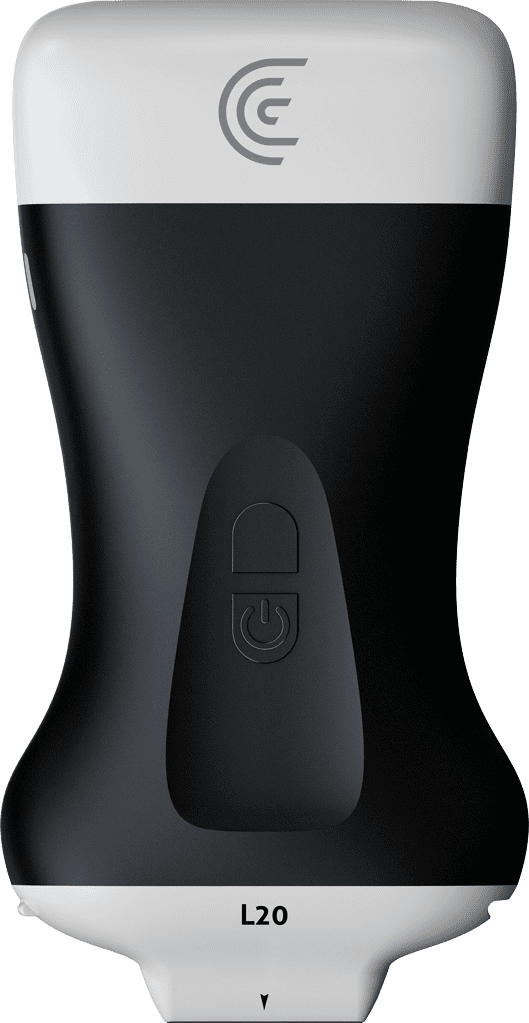
hi my name is Shelly and today I'm going to tell you all about color Doppler on your clarius app color Doppler is a really valuable tool for facial mapping you want to avoid blood vessels or you want to make sure that there's not a blood vessel in the area that you want to inject so the easiest way to do that is locate the area where you think you're going to be doing your injection go into the modes menu and simply turn on color Doppler and right away I can see that there's a blood vessel there I can move the color Box by dragging it from left to right I can increase or decrease the size of that color Box by just dragging the right hand corner and if I want to steer the color box just for a little added sensitivity I can just drag the right hand corner now if I want to see more color just like in 2D we can turn up the color gain I'm getting a little bit of artifact so I'll just back off that color gain just a little bit this color is showing red because it's going toward the scanner which is indicated by this color bar being on the upper part if I follow the vessel and the vessel changes course now the flow is going away from the scanner and is changed to Blue so color Doppler is a really helpful tool to identify blood vessels in the face when you're doing vascular mapping and you need to avoid those vessels