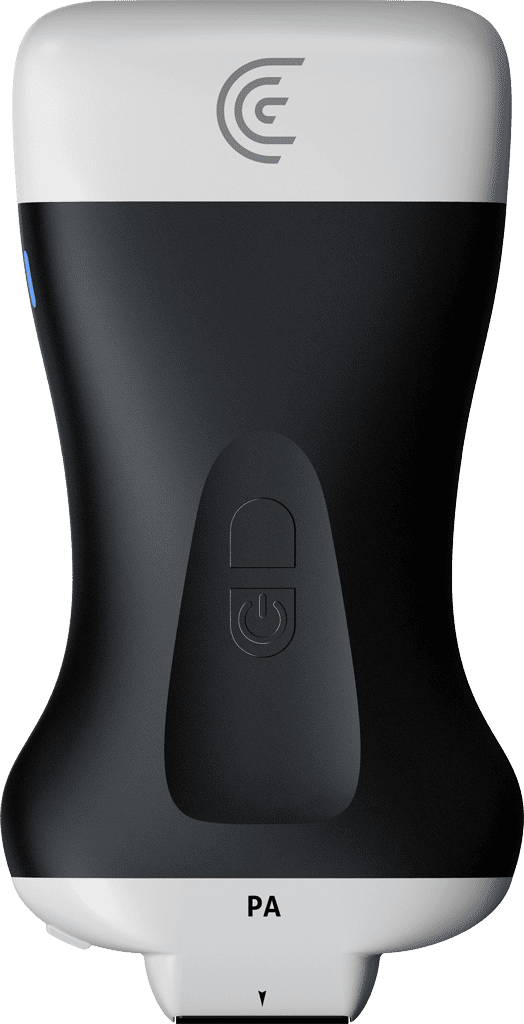
hi my name is shelly and today i'm going to show you how you can review your images as well as delete ones that you don't want so to do that i'm doing an echo on this patient and i'm going to go back to review the images by pressing the arrow at the upper left of the screen it shows me the demographics page but all i have to do is swipe up shows me an image but there are more images as i swipe to the left these are all of the images and cine loops that i've done this is a cine loop that i don't want so i'm just going to hit the little trash can that gets rid of the image i can continue looking at the rest of the images i'm going to get rid of that one and now that i'm happy with my selections and i've gotten rid of what i don't want i can hit end exam and send my images to the cloud