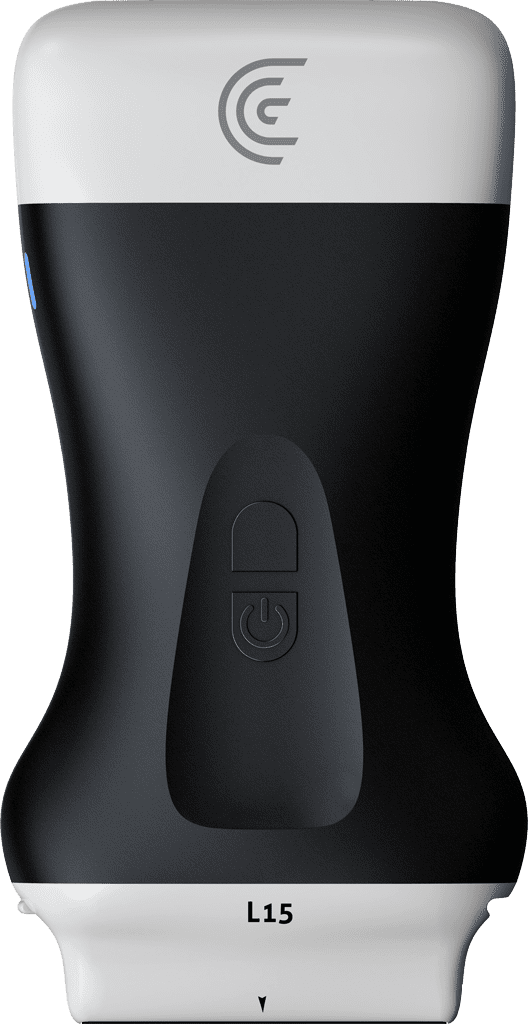
Hi, today I'd like to tell you about T- mode for the shoulder. Learning to scan the rotator cuff can be challenging, but we'd like to help flatten that ultrasound learning curve so you can start to recognize key ultrasound anatomy in the rotator cuff. So, using the L-15 scanner in the shoulder preset, I'm going to position my patient in a modified crass position. And I know that the rotator cuff, the suppinatus tendon, is going to be in this region. So, we'll place our scanner. And when I want to confirm what I'm seeing, I'm going to tap the T icon at the bottom of the screen. And right away, we're going to see a nice graphical representation of the structures that make up the anterior shoulder, including the suppinatus tendon. So, this updates in real time. So, I can move around until I get an image that I want to confirm. And then when I freeze the image, we get more information in the form of anatomical labels. So we can really confirm what we're seeing here. So if we unfreeze our image and I rotate the scanner into transverse again, we're getting a really nice representation of the anatomy of the shoulder. And I'll freeze again. And again, we get labels. So if I take a picture, these images including labels are stored to the Clarius cloud. So as you see, T- mode is a really good way to get started learning the anatomy, learning the ultrasound anatomy of the rotator cuff.