Clarius Classroom

How to Mirror Your Image

Shelley Guenther

Flip or mirror your image on the screen to match the orientation of your scanner.

Specialties: Aesthetics, Feature
Applications: Feature, Pyriform
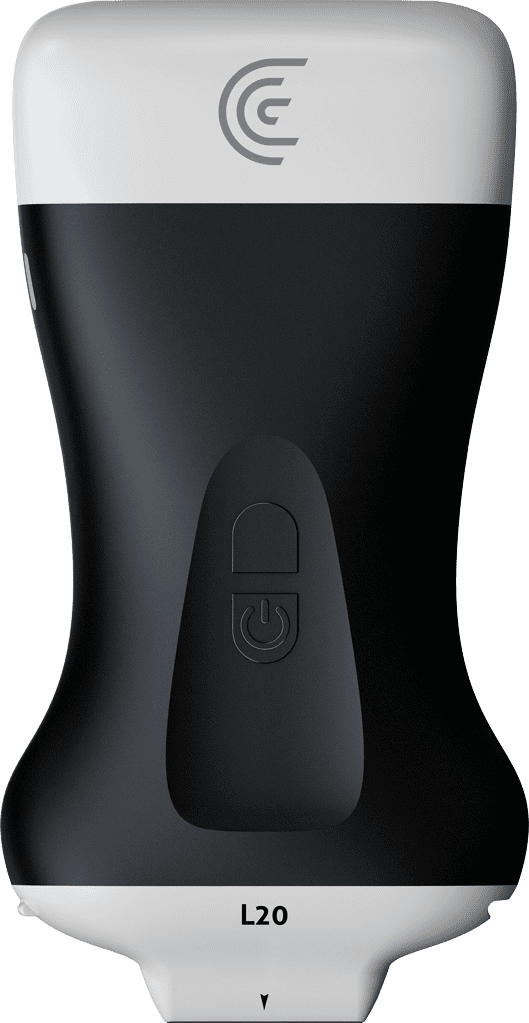
hi my name is Shelly and today I'm going to tell you how you can mirror your image on the clarius app now typically with ultrasound we image structures in A sagittal or long axis plane with the indicator at the top facing toward the patient's head also the clarius icon is on the left side of the screen indicating where the light on the scanner is pointing to now if for some reason you pick up the scanner and your backwards you don't need to flip your scanner if your hands are full or you're busy all you have to do is put your finger on the clarius icon and just drag it to the other side and now you'll be scanning in the correct orientation foreign

Products Used

More Classes

Request a Quote

With 8 scanners available, we offer a wireless ultrasound solution tailored to your needs. Request a quote to discover which scanner can deliver the best ultrasound imaging for your practice.

⚠️ Clarius ultrasound is for medical professionals only.

Mit der Angabe meiner E-Mail-Adresse erkläre ich mich damit einverstanden, Einladungen zu Clarius-Webinaren, Fallstudien, Whitepapers und mehr zu erhalten, und ich stimme den Clarius-Datenschutzbestimmungen zu. Ich kann mich jederzeit wieder abmelden.