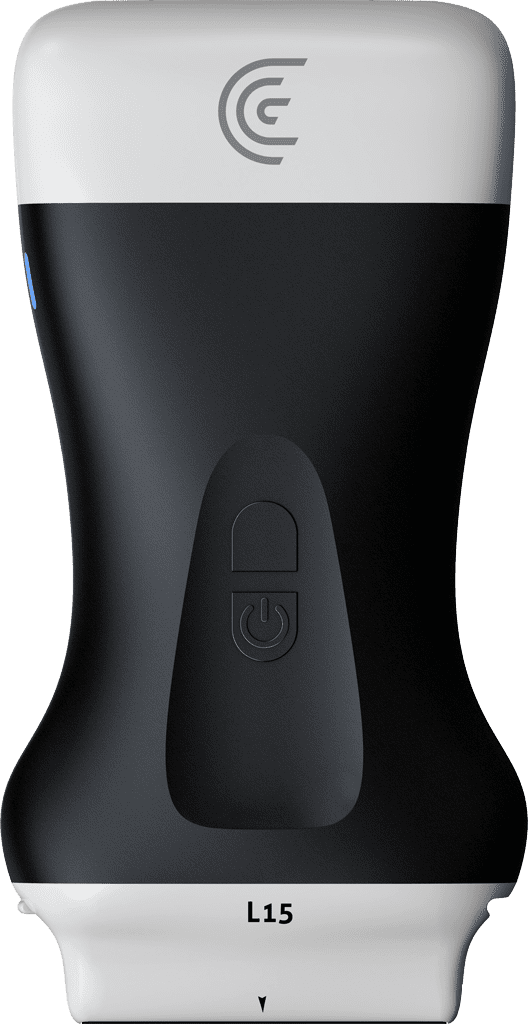
okay now that we've talked about holding the scanner and the different scanner movements let's talk about the ultrasound image itself and we'll kind of dissect the anatomy of the ultrasound image now I'm going to be Imaging my model's thyroid gland just for reference here so we're in the thyroid preset and the first thing I want to talk about is the image from top to bottom so the top of the image is always the skin of the patient or the structure that is the absolute closest to the scanner surface and then what we'll see is markers down the side of the image that indicate the depth into the tissue so the top of the image is 0 cm and the very bottom of our image is 3.7 CM so keep that in mind when you're trying to establish what you're seeing directly beneath the scanner now the other thing we'll talk about is the Orient ation of the scanner now every scanner regardless of manufacturer is going to have one or two indicators on one side of the scanner it'll either be a light as it is in this case it may be just a DOT and it may be a tactile nubbin on one side of the scanner that that doesn't exist on the other so when you're Imaging in the transverse plane and I have that indicator to the right of the patient pent everything on the ultrasound image that is on the indicator side of the image is to the patient's right so if I move the scanner slide it to the right we're going to see more to the patient's right and if we slide more to the left we'll see more to the left or in this case more toward the back of her neck now if I rotate the scanner 90° and now we're looking in Long axis on her neck or A sagittal plane and I've got her thyroid gland here the typical transducer orientation is to have the transducer indicator toward the patient's head now if that's the case everything that is on the indicator side of the image is now toward the head and everything on the bottom is toward the feet so if I slide the scanner toward the indicator we're seeing more toward the head and if I slide down toward the feet or the opposite to the indicator we're seeing more towards our model's feet so practice those manipulations keeping those orientation markers on the scanner and on the image in mind and get used to coordinating which way to move your scanner to get the best image possible