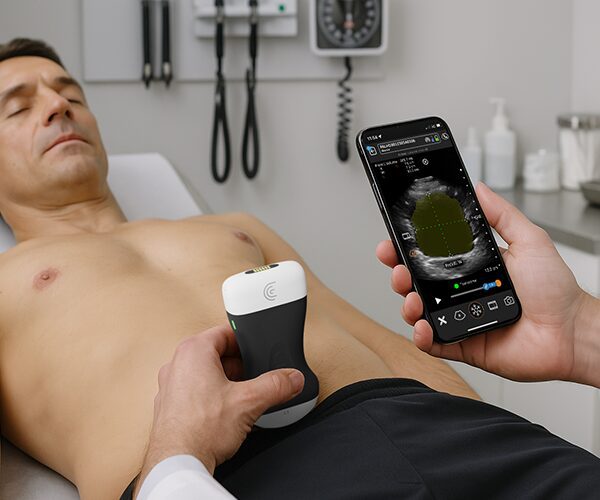
All right. So, continuing on from our bladder volume, I've sent the patient to the washroom and we're now going to do a postvoid residual volume. So, again, I'm using the bladder preset and I'm going to place my scanner and point it down towards his feet. We can activate the AI and this time we'll choose the postvoid option. And right away we can see that the segmentation mask is highlighting our much smaller bladder at this time. And it's recognized this as the transverse view. So once I am happy with my image, I can freeze it. Again, we'll take an image to save those measurements. And I'll rotate my scanner 90° to get the sagittal view. And again, we'll hit the freeze button. Our calipers are bang on and we're getting a nice postvoid residual volume of 48 ms. So that's how you perform a postvoid volume with bladder AI.