






Voice Controls Scan with your hands.Control it with your voice.
Adjust the image, capture, annotate and fill in the worksheet by speaking. Your hands stay on the scanner and the patient.
- Hands-free
- Work solo
- Sterile field
- Patient focus
- Faster workflow
Three ways to use your voice
Use short commands, natural phrases or dictation.
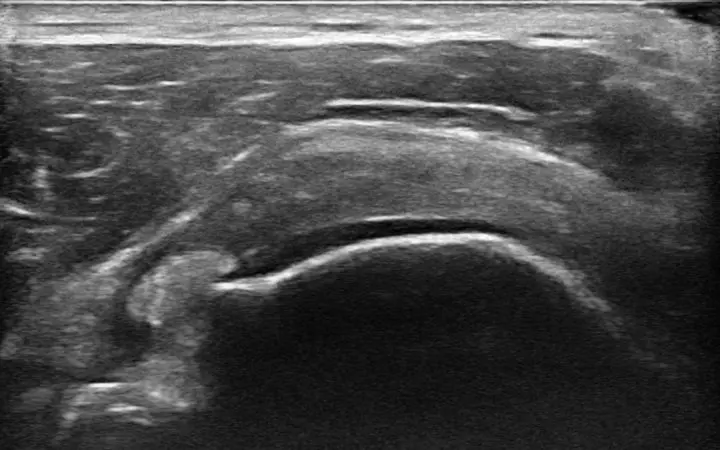

Voice commands
Short two-word commands that act instantly, while you are still speaking.
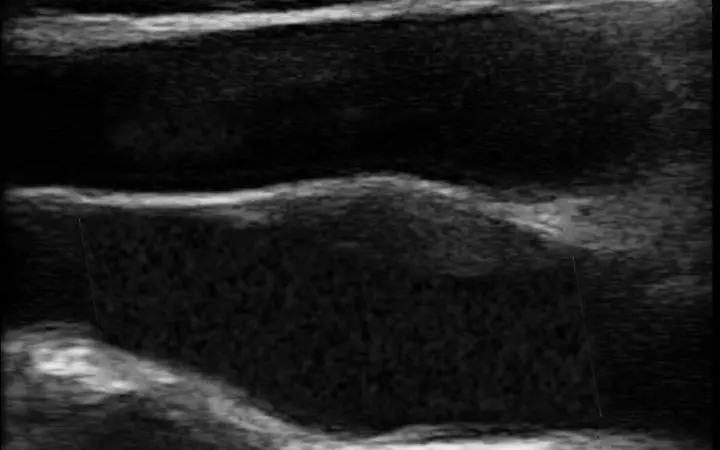
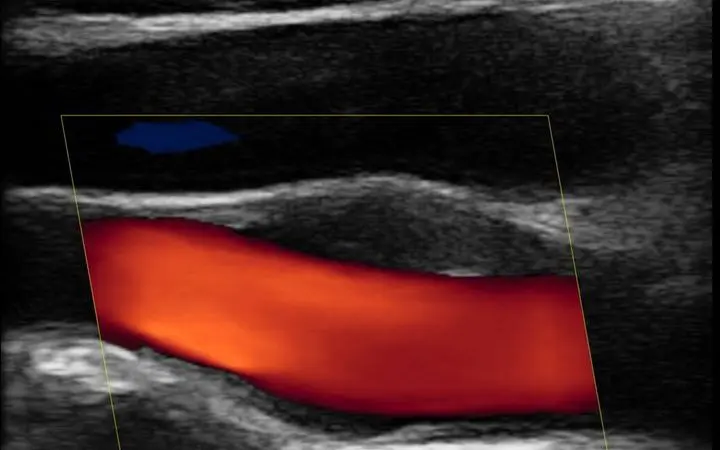
Spoken phrases
Say it the way you would to an assistant. Combine steps, repeat them or set an exact value.
- Indications
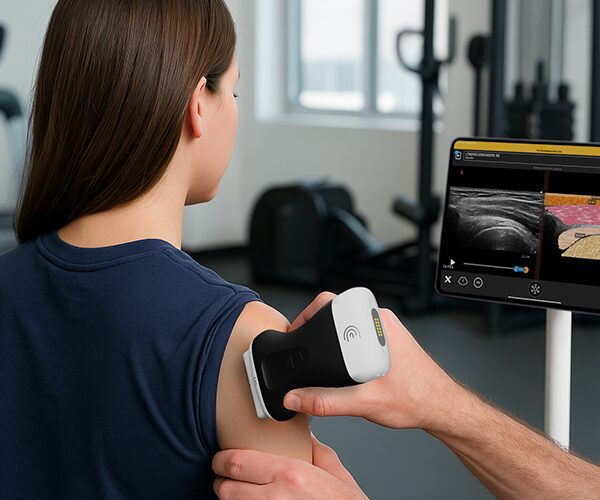
- Right shoulder pain for two weeks.
- Impressions
- Compare with the left side.
Dictation
Speak your indications and notes instead of typing them.
What you can say
“deeper”
“brighter”
“freeze”
“save it”
“turn on color”
“needle”
“zoom in”
“go deeper and increase gain”
“switch to knee”
“label medial meniscus”
“set depth to 6 cm”
“center guide”
“save the clip”
“power Doppler”
Fill in the worksheet by voice
Tap to Dictate, name a field and say its value. The form fills in after each phrase.
Patient and study details
ID, name, date of birth, sex, referring physician and more.
Indications and impressions
Speak your notes instead of typing them.
You review before you save
Dictation only fills in the form. Check every field, then save it yourself.
- Patient ID
- 90210
- Last name
- Doe
- First name
- Jane
- Date of birth
- October 1, 1980
- Sex
- Female
For the moments your hands are full
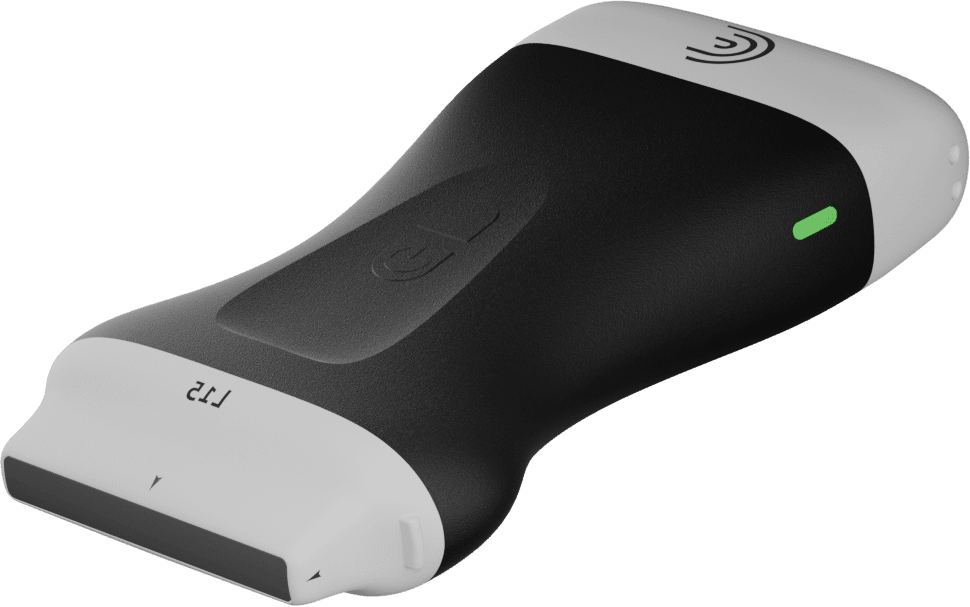
Voice Controls work with every Clarius HD3 scanner, in every preset.
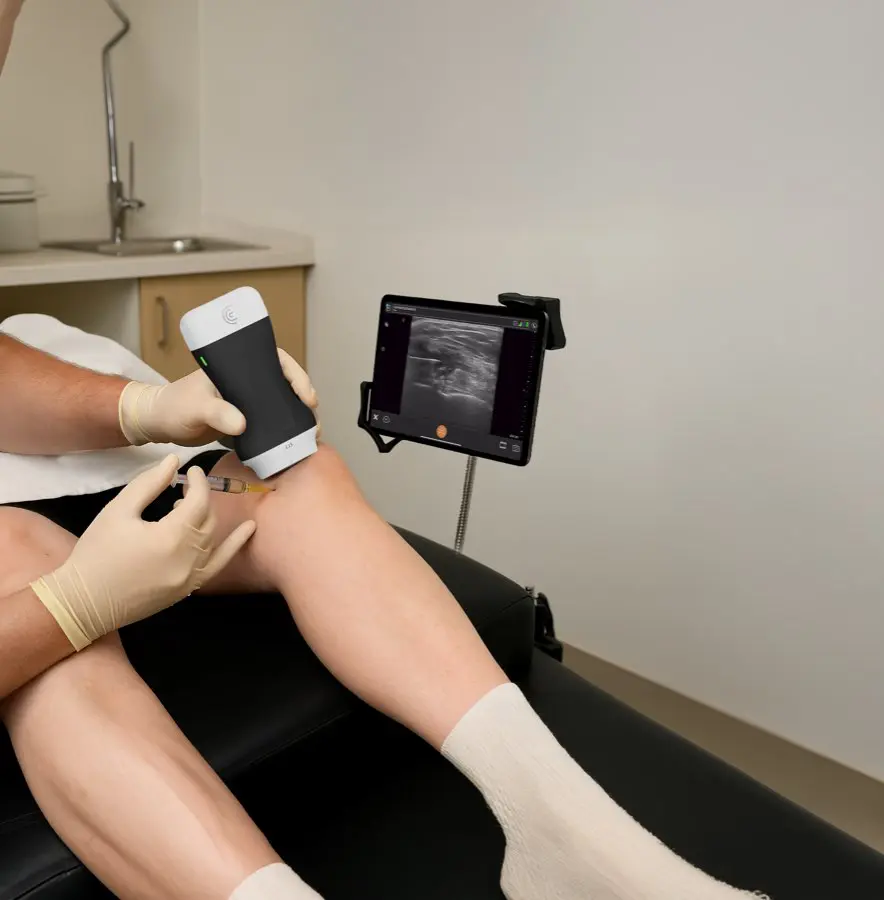
In-clinic procedures
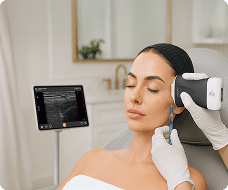
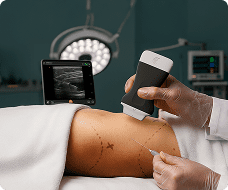
One hand on the scanner, one on the needle. Adjust the image without letting go of either.
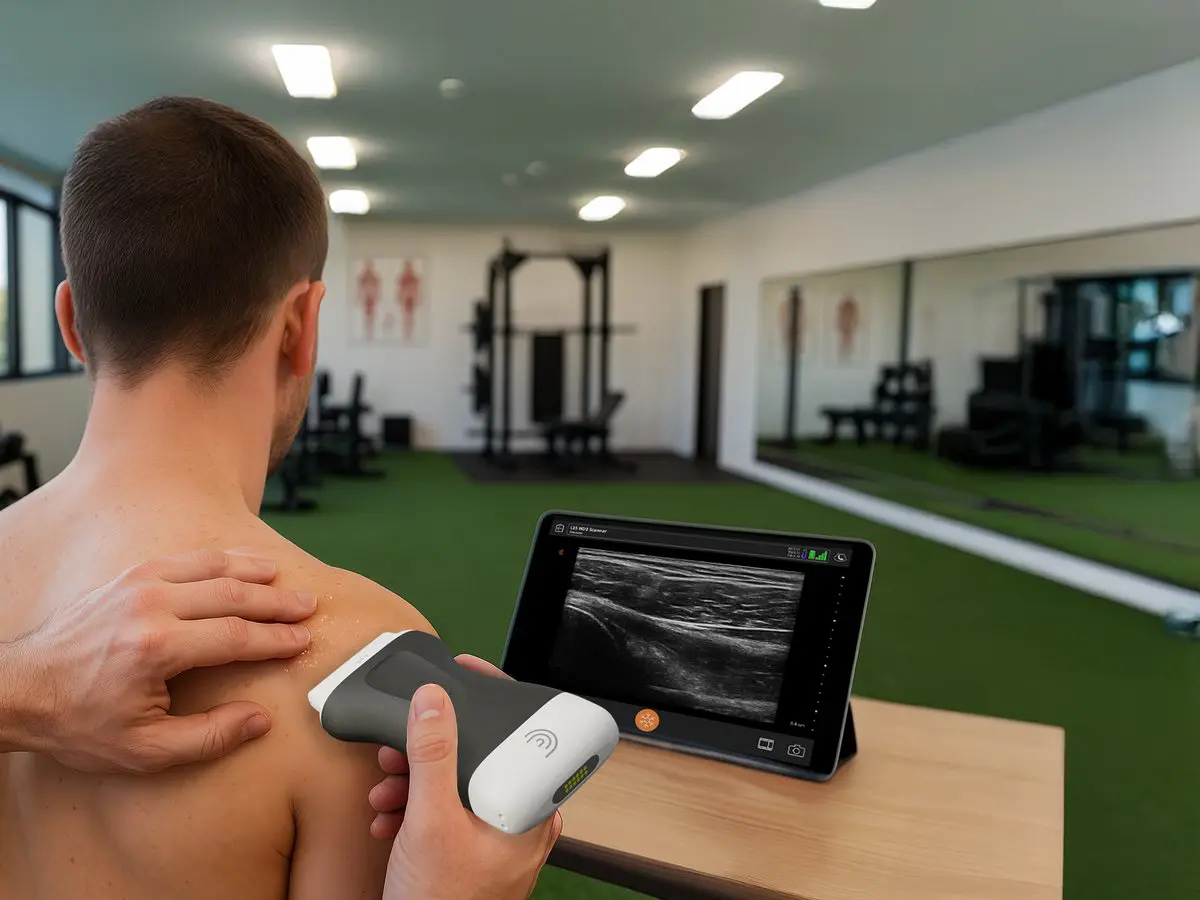
Working alone
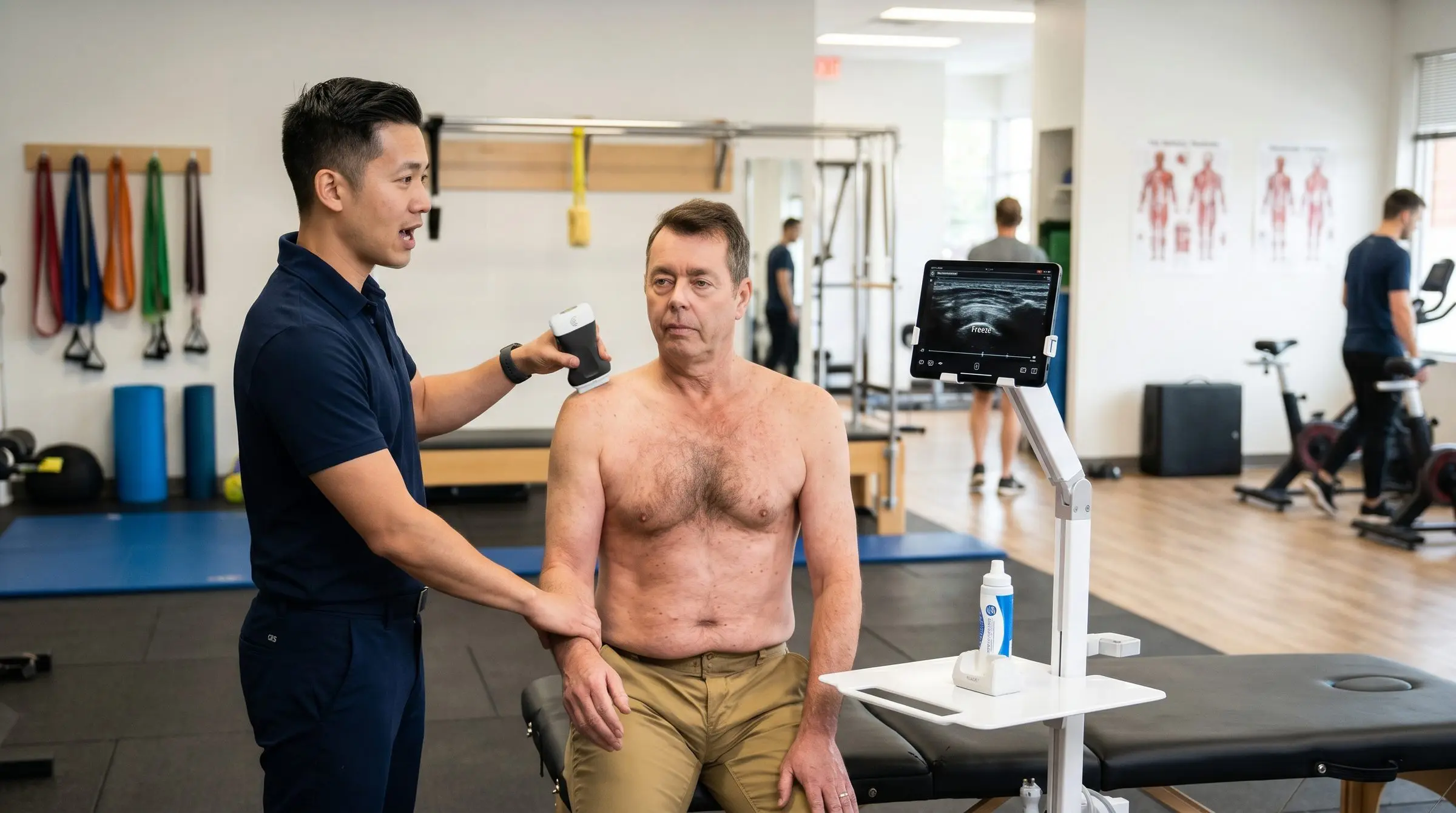
No helper in the room? Adjust and capture images without asking anyone to tap the screen.
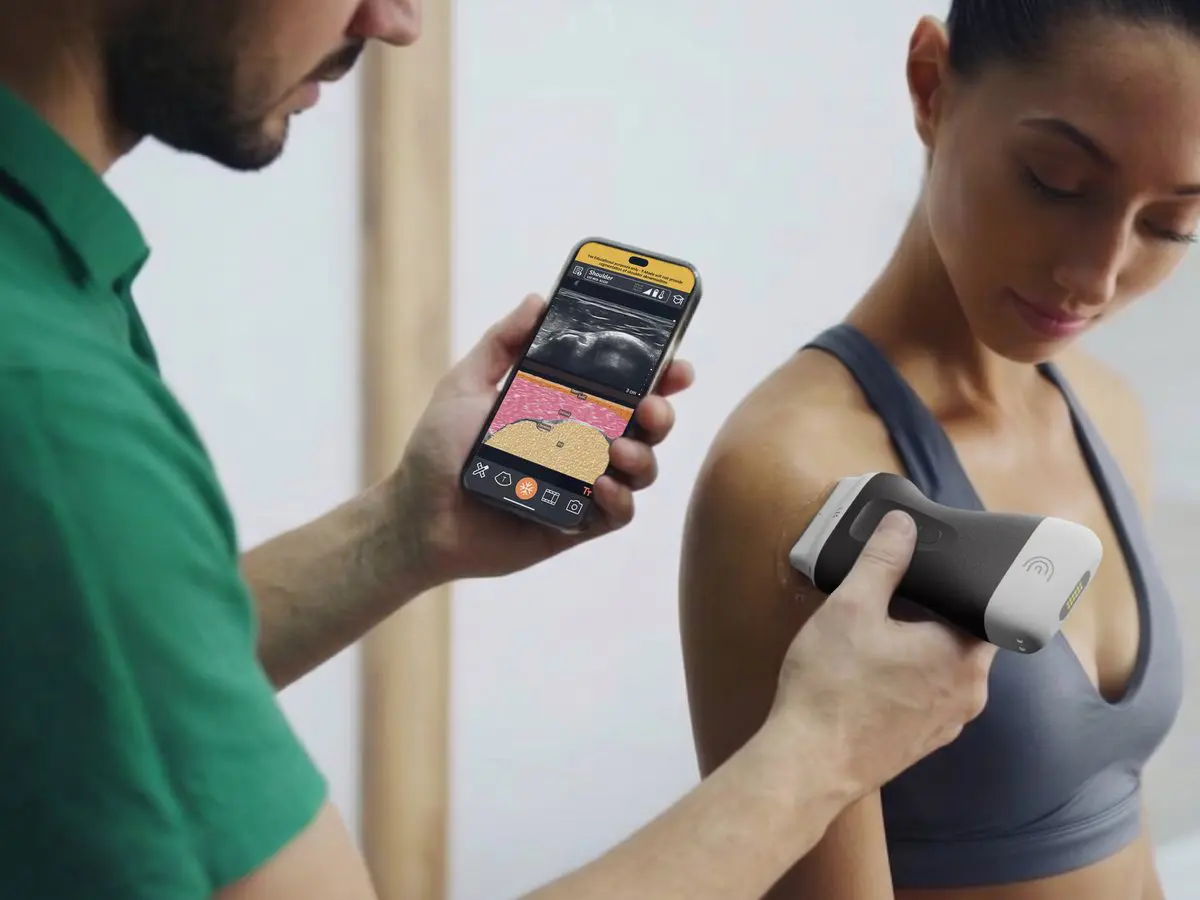
On the go
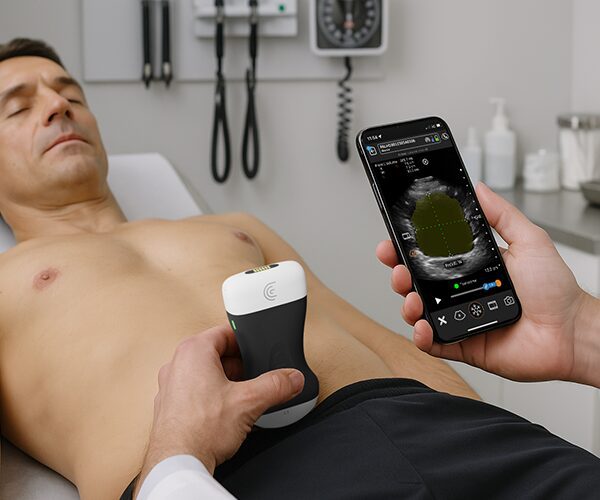
Scanner in one hand, phone in the other. Your voice controls the rest.
Get started with Voice Controls
Pick a video and it plays right here.
“When I have two hands full, one with the ultrasound and the other with a scalpel or syringe, I would need an assistant to manipulate something on screen. Now I just say ‘capture video, increase gain, or color mode’.”
 Dr. Alan Hirahara, MD, FRCSCOrthopedic surgeon
“Procedures are faster and I can focus on the patient instead of being distracted by mechanical adjustments to the settings on my device.”
 Dr. John Arlette, MDTotal Skincare Centre and Dermapure
What are Clarius Voice Controls?
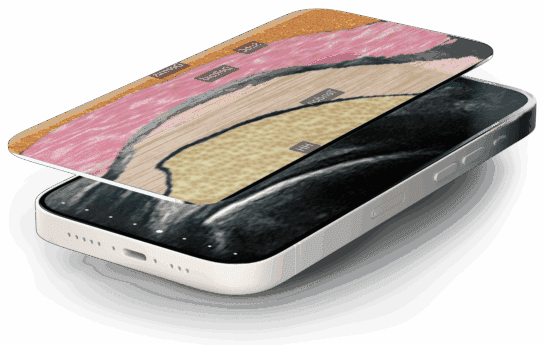
Voice Controls let you operate the Clarius ultrasound app by speaking. You can change depth, gain and imaging modes, freeze, capture images and clips, add annotations and dictate patient details without touching your phone or tablet.
What can I control with my voice?
Depth, gain and auto gain, imaging modes such as B mode, M mode, color Doppler, power Doppler and needle enhance, freeze, image and clip capture, zoom, flip, side by side view and the center guide, switching exams, annotations and starting a measurement.
How do I turn on Voice Controls?
Tap the microphone icon under the Measurements and Exams Tools while scanning and allow microphone access when your device asks. For spoken phrases, first turn on Transcription under Settings, then Voice Recognition. To dictate, tap Dictate on the exam worksheet.
Can I dictate patient information?
Yes. Dictation fills in patient, study and notes fields, including veterinary fields such as animal name, species, breed and owner. It only fills in the editable form and never saves the record. Speech recognition can mishear names, IDs, dates and numbers, so review every field before you save.
Where is my voice processed?
Voice commands and dictation use speech recognition that runs on your phone or tablet.
What can't I do by voice yet?
Placing calipers, positioning a pictogram, starting AI auto-detect, undo and ending an exam are still done by touch.
Do Voice Controls work in a noisy room?
In a noisy room, use the short two-word voice commands. Speak at a normal pace, keep phrases short and pause between commands.
Which scanners work with Voice Controls?
Voice Controls work with every Clarius HD3 wireless ultrasound scanner and in every preset, on iOS and Android.
How do I get Voice Controls?
Voice Controls are included with Clarius Essentials. Update the Clarius app to the latest version to use spoken phrases and dictation. Ask a Clarius specialist what is included for your scanner and region.
See Voice Controls live
Book a virtual demo with a Clarius specialist and watch a scan run hands-free.
- See voice commands and spoken phrases during a live scan
- Watch dictation fill in a worksheet
- Get pricing and availability for your region
Book a demo
See Voice Controls on a Clarius scanner, live with a specialist.
Clarius is for medical professionals only. I consent to receive Clarius webinar invitations, video tutorials, and more by email. I can unsubscribe anytime. Privacy Policy.
Voice Controls are included with Clarius Essentials. Spoken phrases and dictation require the latest version of the Clarius app. Spoken phrases and the wake word are off by default and are turned on in the app settings.