Shelley Guenther

Labeling your ultrasound images (annotations) is helpful when you want to describe anatomy or pathology displayed on the image.

Specialties: Aesthetics, Feature
Applications: Feature, Pyriform
hi my name is Shelly and today I'm going to show you how you can annotate your images with the clarius app so many times you want to store an image but you also want to be able to label what you're looking at for future reference so I'm just going to locate a little pocket of filler here and I'm going to go into the tools menu click on annotations I'm going to select filler which is on the left and here are my annotations I can move them wherever I like if I want to drag a little pin to point to where my filler is I can do that as well there's a little trash can that appears beside each annotation I can delete them individually or if I go into the tools icon again I can clear all of the tools on the screen so annotating is a great way to label your images and really easy to do on the clarius app

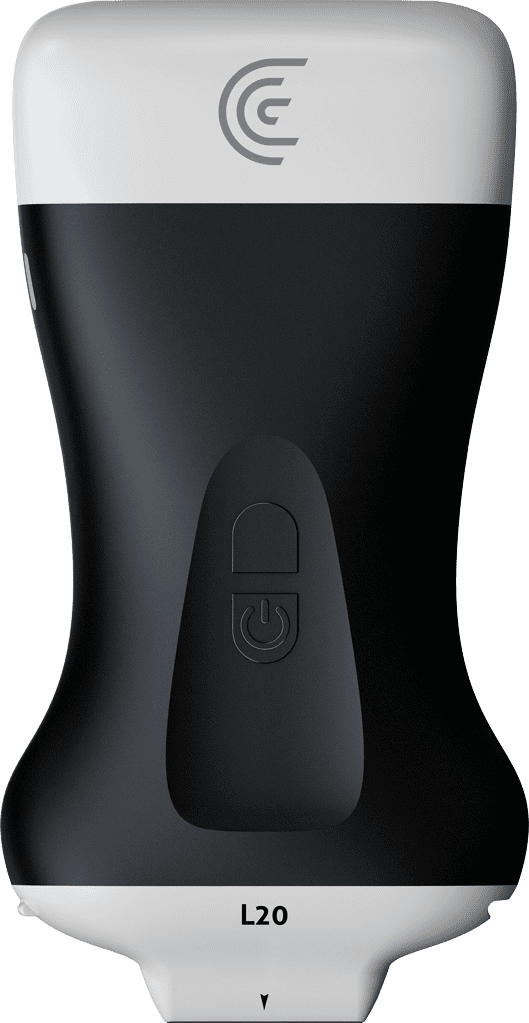
Products Used

More Classes

Request a Quote

With 8 scanners available, we offer a wireless ultrasound solution tailored to your needs. Request a quote to discover which scanner can deliver the best ultrasound imaging for your practice.

⚠️ Clarius ultrasound is for medical professionals only.

By providing my email, I consent to receive Clarius webinar invitations, case studies, whitepapers, and more, and I consent to the Clarius Privacy Policy. I can unsubscribe anytime.