Clarius Classroom

Center Guide

Shelley Guenther, CRGS, CRCS

Activate the center guide for a line display in the center of your image and scanner, for more accurate interventions such as injections or line placements.

Specialties: Feature, Vascular
Applications: Feature, Vascular
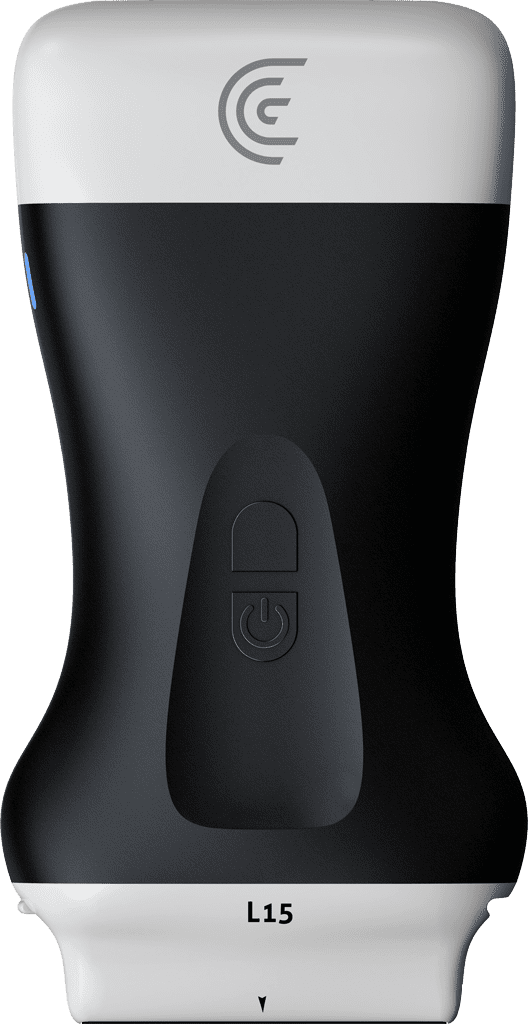
hi my name is Shelly and today I'm going to tell you about the center line tool which can be very helpful when guiding interventions including line placements now when this is selected from the modes menu you're going to see a vertical orange dotted line down the middle of your image now this is going to correspond to the little gray arrow on your scanner so this is going to help you Center everything before you proceed with your injection or line placement so in this case I'm going to optimize an image of the jugular vein and I'm going to make sure that that Center Line is placed right in the center of the jugular vein so now if I place my needle or cannula at the center point on the scanner I know that I'm going to have an accurate injection so that's how you use the center line tool on the clarius app foreign

Products Used

More Classes

Request a Quote

With 8 scanners available, we offer a wireless ultrasound solution tailored to your needs. Request a quote to discover which scanner can deliver the best ultrasound imaging for your practice.

⚠️ Clarius ultrasound is for medical professionals only.

By providing my email, I consent to receive Clarius webinar invitations, case studies, whitepapers, and more, and I consent to the Clarius Privacy Policy. I can unsubscribe anytime.