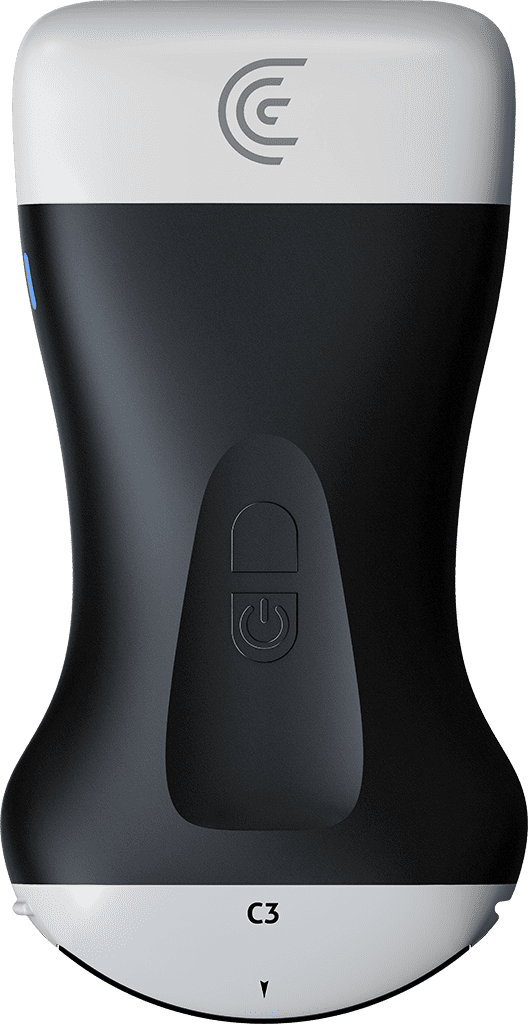
hi my name is Shelly and today I'm going to introduce you to the clarius app congratulations you've got a new clarius scanner you've registered your scanner and claimed it so what we're going to do now is pair the scanner with the app so you're simply going to press on the bottom button of your scanner and at that point when you go into the scanner menu your scanner should appear here I'm going to select that and at this point the scanner is going to pair with the app as we see with this flushing blue light the app is going to ask us if we want to join the network and we're going to say yes we want to join and we're paired the light is green and we're ready to start scanning so the first thing we want to do is select the correct preset selecting the preset is going to get you where you need to be with all of your Imaging parameters faster it's going to make you more efficient I'm going to select the abdomen preset and we'll start scanning our patient's abdomen so a couple of things I'll tell you about right off the bat is if you want to increase or decrease your depth of scanning You're simply going to slide up or down so if you want more depth you're going to slide your finger up and if you want less depth you'll slide your finger down I want to see the patient's diaphragm so I'm going to just decrease my depth just a bit if I Want A Brighter Image I'm going to increase my gain and the way to do that is to just swipe right or swipe left when I'm seeing all of the structures that I want to see I can freeze my image and we can take a picture if I tap on the camera icon if I want to go into a different Imaging mode like color or power doppler I'm just going to tap on the modes menu and we'll see all of those selections right here I'm going to turn on my color Doppler I can drag the color box to any position that I like on the screen and I can adjust the size of that color Box by grabbing the lower right corner if I want to turn off my color I just tap on the 2D button at the bottom of the screen now once I freeze my image I can also scroll back a few frames if I've just missed something and when I'm happy with that image I can go into my tools and at this point do perform any measurements or annotations a simple distance measurement I can measure this vessel here and again we can take a picture of that if I want to annotate I click on the annotations and I can say long write and there are my annotations which I can place anywhere on the screen just by dragging them and again we can just take another image of that if we like so when we're finished our exam we'll simply hit the back arrow at the top of the screen and at this point we can enter patient demographics if we like I can scroll up view the images that I've taken we can throw them in the trash if we don't like them and we don't want to save them on the bottom right we'll see a more button you can shelf the exam or pause it and then come back to it later or we can simply end the exam at this point ending the exam gives me the option of sending my images off to the cloud I can send them to reviewer where I just enter that reviewer's email address and they'll receive the images or I can just save them to the local device I can also save a PDF report onto the local device if I like and that will have all of my measurements and images on it as well so at this point I can continue the exam or press end exam and we're ready to start our next patient enjoy the clarius app happy scanning