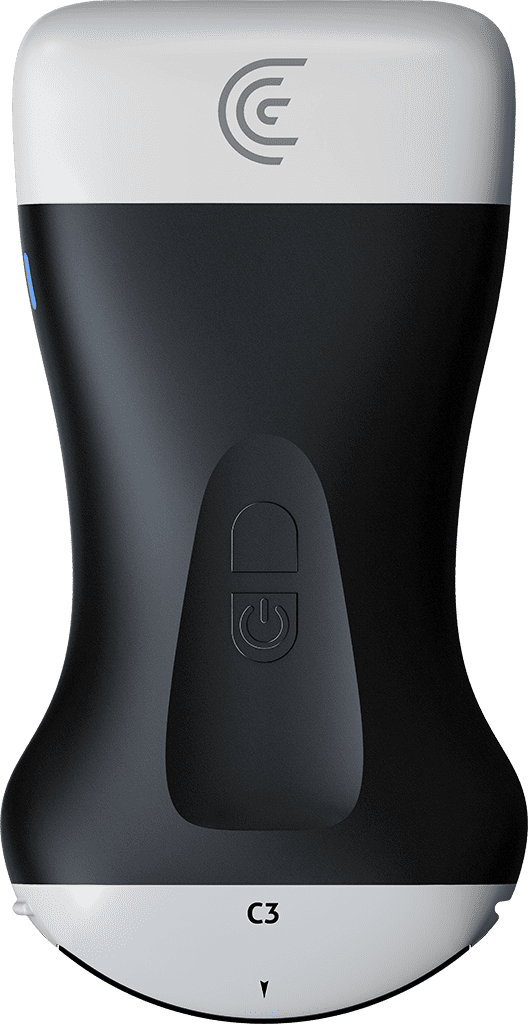
Hi, I'd like to introduce you to Clarius bladder AI. It's a quick and easy way to first identify the bladder and then provide valuable bladder volume information. So, I've chosen the C3 scanner in the bladder preset and I'm going to position my scanner and point it down toward the patient's feet. And this should bring us into the region of the bladder. So now that I have an image of the region of the bladder, what I can do is go into the AI and our patient's bladder is quite full. So we will do a prevoid assessment. Right away, you'll see a segmentation mask placed over the bladder to help you identify it. Now I can adjust the opacity of that segmentation if I like just by sliding my finger to the right and the left. And I also want you to notice that the AI has recognized this as a transverse view of the bladder. So when I'm happy with my image, I'm going to hit the freeze button. And we'll see that calipers are placed to measure the height and width of the bladder. Now I always have the ability to adjust these if I want, but as you can see, the AI has done a really good job. Now the camera icon is flashing. So I'm going to take a picture and that saves the images that I've done that will be used in the volume calculation. So I'm going to unfreeze my image and you'll see a prompt at the top of the screen that says rotate my scanner 90° for the sagittal view. So I'll just scan back and forth until I get the biggest view of my bladder and again pointing down toward my patient's feet. And when I hit freeze, the calipers are placed again, giving me that third measurement and ultimately the volume up in the lefth hand screen. So again, we can take a picture. So it's a really quick way to get a bladder volume with your ultrasound scanner without the need of a bladder scanner. So I'm going to send my patient to the washroom and we will do a postvoid volume when he comes back.