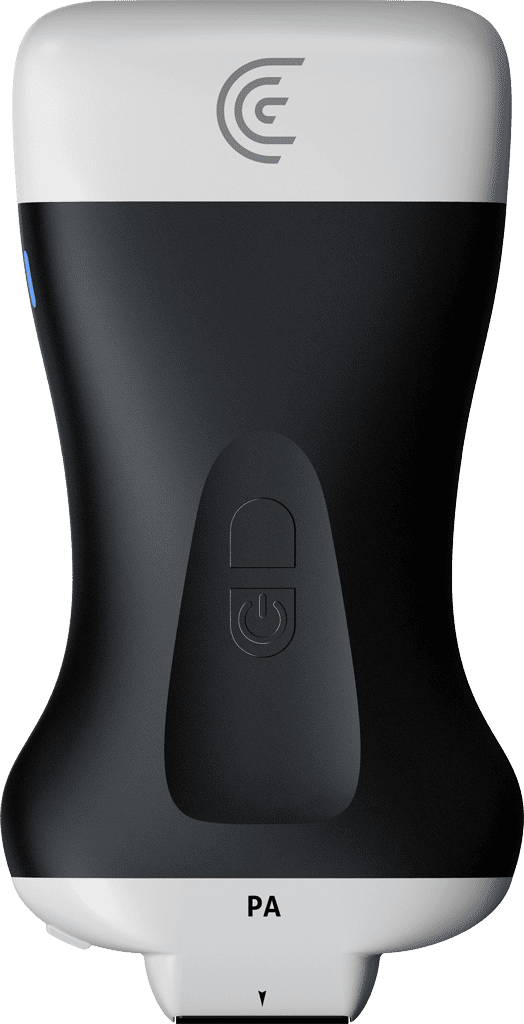
hi my name is shelly and i'm going to show you how to access full screen mode with your claria scanner now the full screen mode allows you to hide all of the interface buttons on the screen and to optimize just the visible imaging area and the way you do that is go into the imaging mode icon and there's a little set of brackets here you're going to click on that and that's going to give you a nice big image without any other information on the screen so it really allows you to focus on a nice large image now you'll notice that the icon has shown up here that's how you exit the full screen mode you just tap on that once and you're back to regular scanning so it's a really nice option when you really want to just focus entirely on the image and not worry about the graphics on the screen