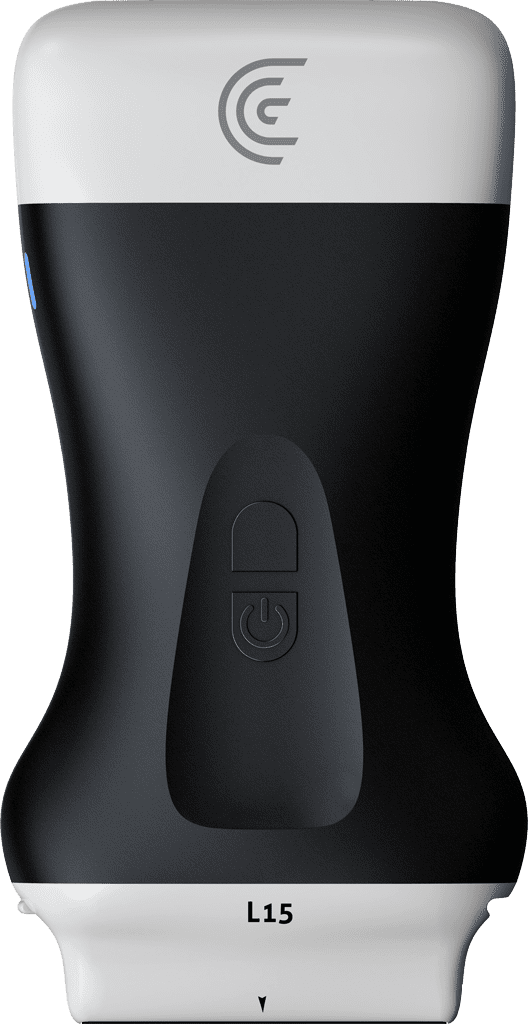
Hi, I'm Shelley and today I'm going to tell you about T-ODE AI for the anterior knee. Now, learning muscular sceal ultrasound can be challenging and it takes time. The easiest way to learn ultrasound anatomy is to learn the normal anatomy first. ClariS has developed an educational tool called T-ode AI to help you learn how to read ultrasound images. So, I'm going to show you how it works for the anterior knee. I'm using the L15 scanner. You can also use the L7 scanner. And I'm using the knee preset. And you can use this AI above the patella or below the patella. So for demonstration purposes, I'm going to start above the knee, fairly midline, and I'm going to start in the long axis plane. And we'll just place our scanner in the region of the super patellar tendon. and it will activate T- mode from the modes menu. And right away you'll see nice graphical representation of different tissue types from the skin to the tendon to fat pads and cartilage and bone. This is all updated in real time as we scan. And then when I hit the freeze button, we get even more information where text labels are placed over the anatomy. And I can back this up as well. So let's try it below the knee. And this time I'll try in short axis. So I'm going to place my scanner in the region of this infraatellar tendon. And right away we can see the tendon the fat pads updated in real time. And again if I hit the freeze button we get labels as well. And we'll just go into the long axis one more time. Midline just below the patella. And there's our T- mode. Now, you can also adjust uh the color of the grayscale image if you like. It's all to the user's preference just by sliding from right to left. Great. Learning how to read ultrasound images is achievable. So, use T- mode to get you started in your learning journey.