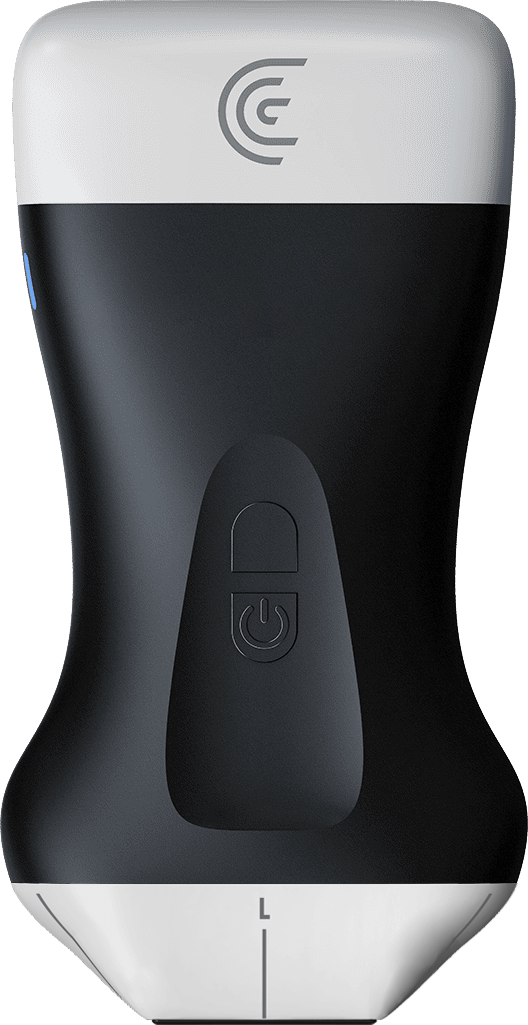
hi I'm Shelly clinical marketing at claras with trauma patients it's very important to get the images in an efast exam as quickly as you can we've created an East preset and I'm going to select that using the pal phased array linear scanner so in the East preset you'll see icons at the bottom of the screen and those correspond to the areas where you'll be scanning so I'm going to start in the right upper quadrant and select the abdomen that's going to optimize my image for abdominal Imaging when I want to switch to Bladder I simply select the bladder icon we'll go down to the bladder and the image will be optimized for bladder scanning we can do the same for cardiac and lung Imaging now when you're finished your exam you can go to the demographics page and enter indications for your East exam you can also scroll down to enter Impressions findings inter ration and in accordance with asep guidelines you can enter quality assurance as well so there you have it the East preset to improve your workflow in your trauma patients