



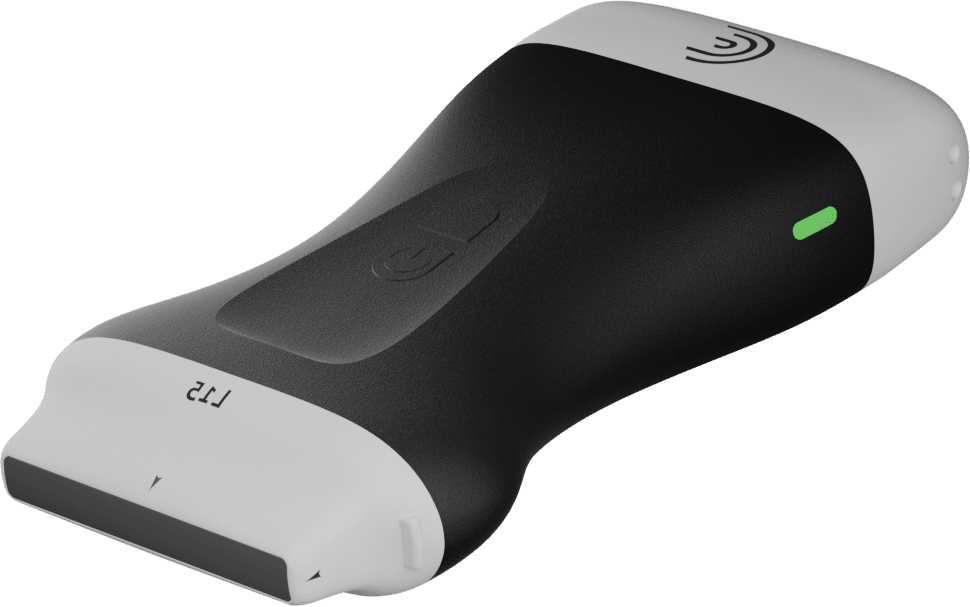

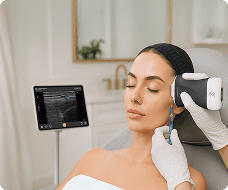
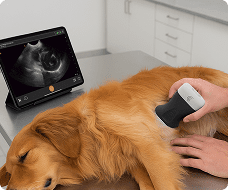


In this instructional video, Shelley and her dog, Squish, demonstrate how to use the Vet Bladder AI tool on a Clarius veterinary scanner to easily identify, measure, and calculate the volume of a patient’s bladder.
Key Highlights
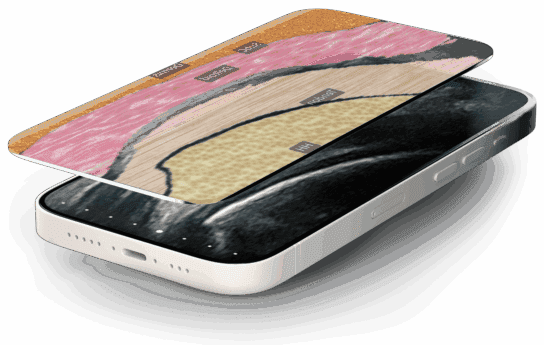
AI Segmentation and Navigation: Using the bladder preset, the user activates Bladder AI from the tools menu, which applies an adjustable-opacity segmentation mask directly over the bladder to help identify the structure and the scanning plane.
Automated Transverse Measurements: Starting in the transverse plane, Shelley fans the scanner to find the largest image of the bladder and freezes the screen. The AI automatically places calipers to measure the bladder’s height and width, saving these initial data points for the volume calculation.
Guided Sagittal View: After capturing the transverse measurements and unfreezing the image, the software prompts the user to rotate the scanner 90 degrees to capture the sagittal view.
Volume Calculation & Reporting: Upon finding and freezing the largest sagittal segmentation, the tool automatically calculates the bladder’s length and total volume. The images and measurement data are then seamlessly saved to the report page and the Clarius cloud.
Clinical Benefits: This automated tool is highlighted as a great way to reduce overall exam times while improving measurement efficiency and accuracy across veterinary care teams
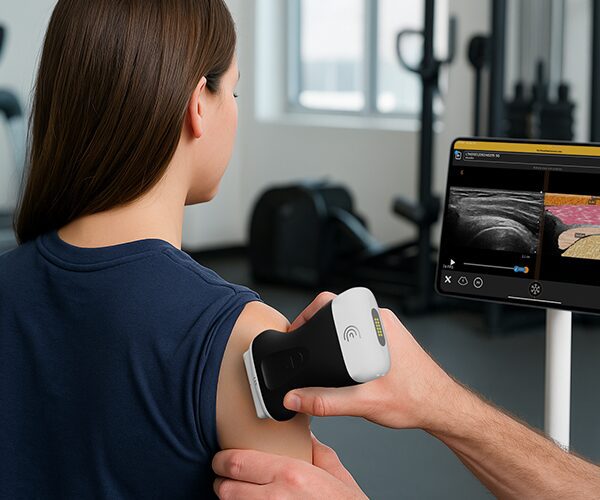
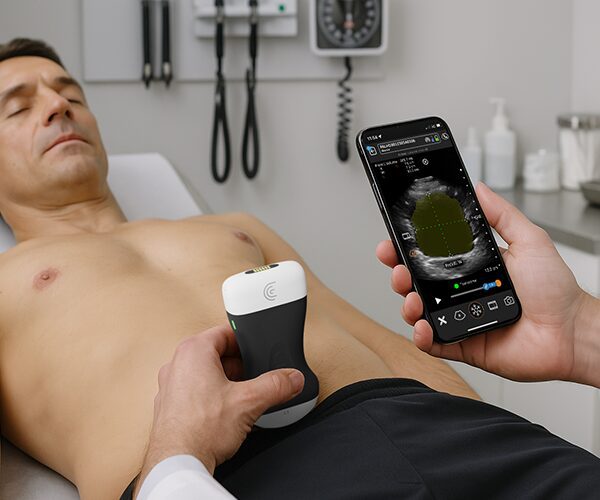
In this tutorial, see how T-Mode provides instant clarity when evaluating abdominal anatomy.
Key Anatomy & Workflow Covered:
Right Upper Quadrant (RUQ): Optimize gallbladder views, sweep through the liver in transverse planes, and automatically identify the right kidney.
Left Upper Quadrant (LUQ): Easily locate and differentiate the spleen and left kidney.
Interactive Opacity Control: Swipe right-to-left across the screen to adjust grayscale opacity, an essential tool for teaching students how to distinguish shades of gray.
Cloud Archiving: Save labeled, color-coded scans directly to patient reports and the Clarius Cloud.

