





Aula Clarius

How to Use Clarius T-Mode™ Pyriform for Facial Aesthetic Ultrasound

Shelley Guenther, CRGS, CRCS

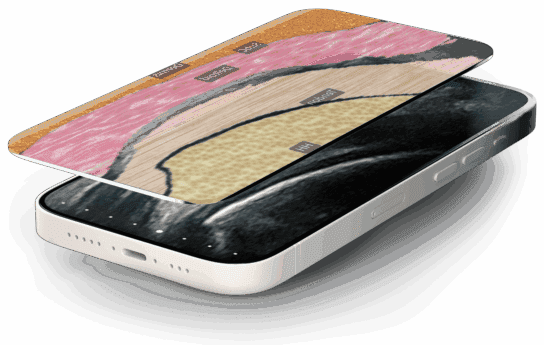
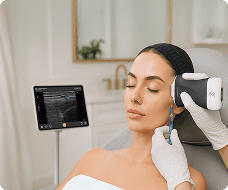
Injections in the pyriform area require precise identification of subtle facial tissue layers. In this tutorial, learn how Clarius T-Mode Pyriform adds a textured, color-coded overlay alongside your live grayscale ultrasound image to help build confidence and accuracy required for aesthetic procedures.

How to Activate T-Mode Pyriform:

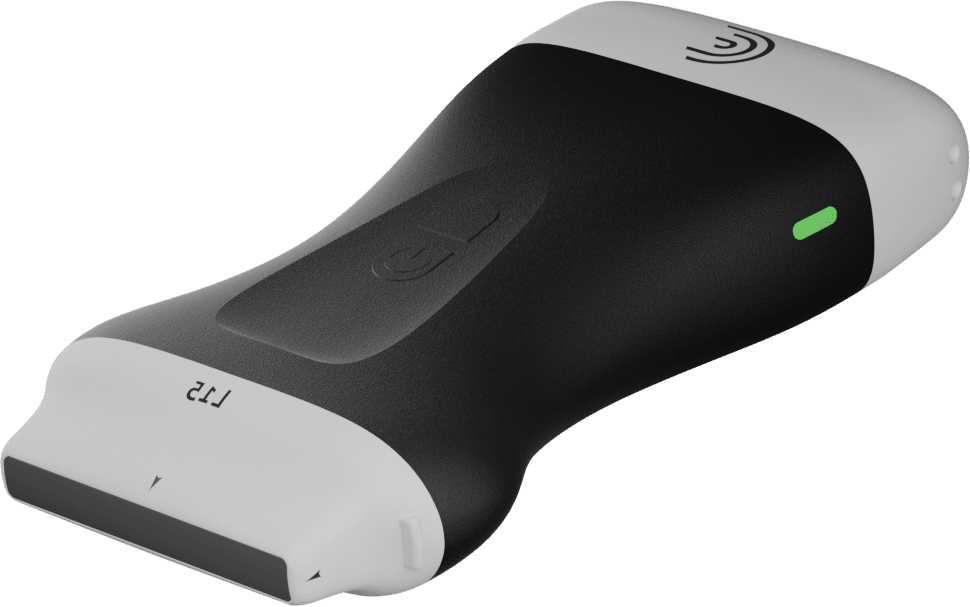
Connect your Clarius L20 or L15 high-frequency scanner.

Select the Pyriform preset, or in the Aesthetics preset, tap the Pyriform icon.

Place the probe over the target area and tap the ‘T’ icon to activate the split-screen overlay.

Key Features & Tools Covered:

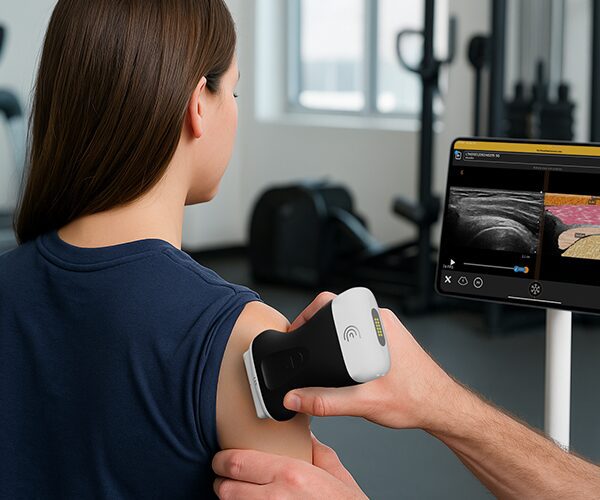
Side-by-Side Visual Overlay: View the color-coded anatomical overlay right next to your real-time B-mode image.

Live Anatomical Labels: Toggle tissue labels on or off to quiz yourself or test your students.

Opacity Control: Adjust grayscale image opacity to highlight tissue structures.

Cloud Storage & Reports: Freeze, capture, and store labeled scans directly to patient reports and the Clarius Cloud.

Specialties: Aesthetics
Applications: Aesthetics, Pyriform

00:00:00.360 — 00:00:44.920
Hi, I'd like to introduce you to Clarius T-Mode Piriform, a new addition to tea mode that adds a textured labeled overlay beside the grayscale ultrasound image. This application identifies different tissue layers in the piriform area to help build fluency when it comes to imaging the tissue layers and building confidence when it comes to injecting into this area.

So to use tea mode piriform, you're going to select the L20 or L15 scanner and select the Aesthetic preset, specifically the piriform preset. And then we'll place our scanner in the piriform area.

00:00:46.080 — 00:01:13.559
And as you can see there are multiple different layers. Some of them are quite subtle and difficult to distinguish from one another. So to activate T mode and get some clarity, I'm going to tap the T icon and right away we'll see the layers identified. We get a nice graphical overlay on one side and our B mode ultrasound image on the other.

We also have the benefit of live labels where

00:01:15.040 — 00:01:25.000
we can get more information on our image. I can deactivate the live labels if I want to challenge my students or myself a little bit more.

00:01:27.600 — 00:01:34.680
The other nice feature is that we can adjust the opacity of the grayscale image. This is a helpful teaching tool as well.

00:01:36.240 — 00:01:59.720
At this point I can freeze my image, take a picture and the images, including labels will be stored to the report and the Clarius cloud. So whether you're refining your mid face ultrasound technique, building foundational knowledge, or teaching at an ultrasound Clarius T-mode piriform turns every scan into a learning opportunity.

Productos utilizados

Más clases