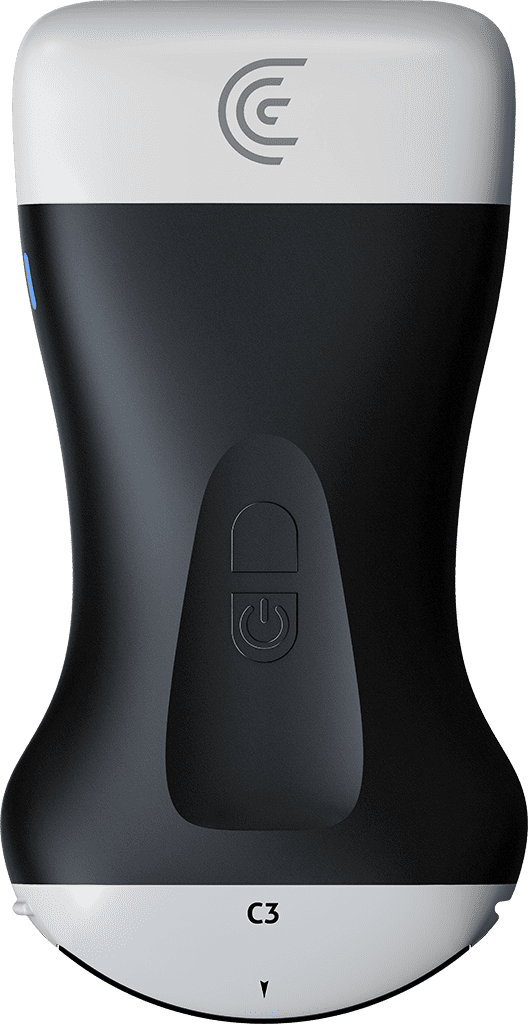
hi my name is shelly i'm going to show you today a new feature we have at clarius which allows you to adjust the dynamic range of your image now dynamic range is synonymous with shades of gray what we find in ultrasound is that some people like a more contrasty image others like a smoother image well now clarius has enabled us to be able to do this while we're imaging and the way to do this is go into the imaging mode icon and there's a little icon here with a box with a plus minus and so i can press that and then the icon appears on the screen so i'll get my image and i want this liver and blood vessels to look a little more contrasty so i'm going to hold my finger on the screen and just drag down and you'll see right there it's much more contrasty image i haven't decreased it too much i can see still see everything that i want just to my eye it's a little bit more pleasing conversely if somebody likes a smoother image we can just go up in the other direction and we get a much smoother look to the image so clarisse has enabled you to do some more fine tuning to your adjustment with dynamic range you