




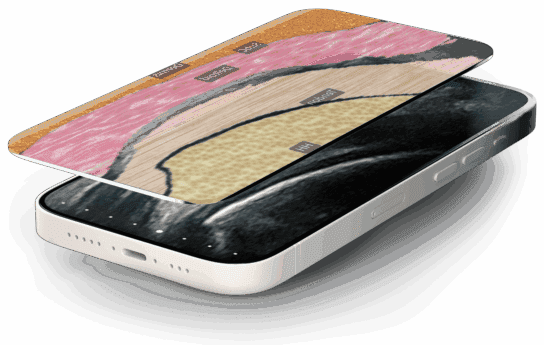
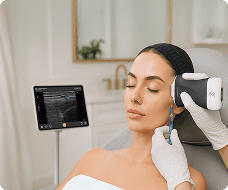
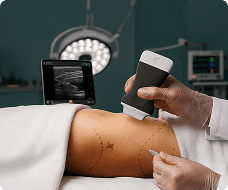
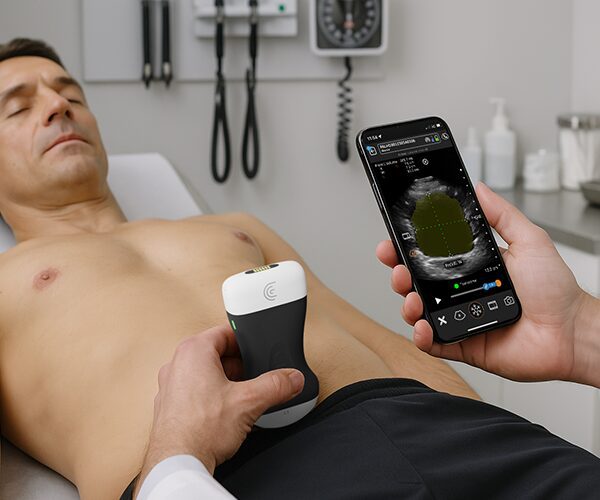


Injections in the pyriform area require precise identification of subtle facial tissue layers. In this tutorial, learn how Clarius T-Mode Pyriform adds a textured, color-coded overlay alongside your live grayscale ultrasound image to help build confidence and accuracy required for aesthetic procedures.
How to Activate T-Mode Pyriform:
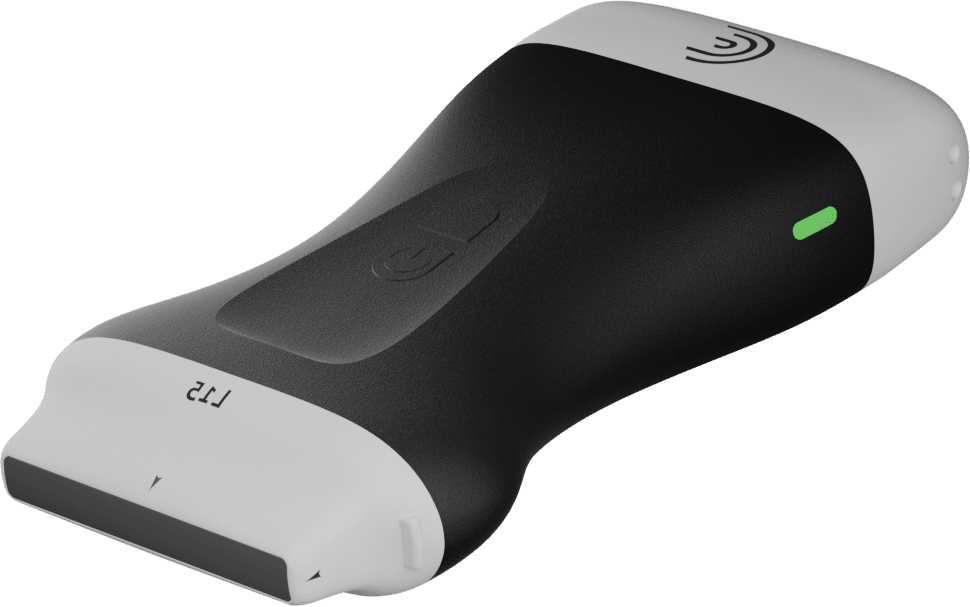
Connect your Clarius L20 or L15 high-frequency scanner.
Select the Pyriform preset, or in the Aesthetics preset, tap the Pyriform icon.
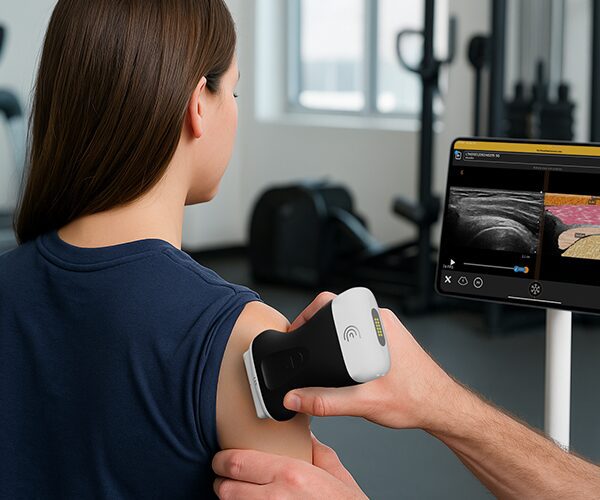
Place the probe over the target area and tap the ‘T’ icon to activate the split-screen overlay.
Key Features & Tools Covered:
Side-by-Side Visual Overlay: View the color-coded anatomical overlay right next to your real-time B-mode image.
Live Anatomical Labels: Toggle tissue labels on or off to quiz yourself or test your students.
Opacity Control: Adjust grayscale image opacity to highlight tissue structures.
Cloud Storage & Reports: Freeze, capture, and store labeled scans directly to patient reports and the Clarius Cloud.

