0:00Hello. Today I'd like to introduce you to Clarius Ejection Fraction AI, an intelligent real-time cardiac assessment
0:088 secondstool integrated directly right into the Clarius app. Ejection fraction AI automatically calculates left
0:1616 secondsventricular ejection fraction from one or more cardiac windows to provide you with valuable left ventricular systolic
0:2323 secondsinformation right at the bedside when the eyeball method isn't working for you or you don't have the time to do
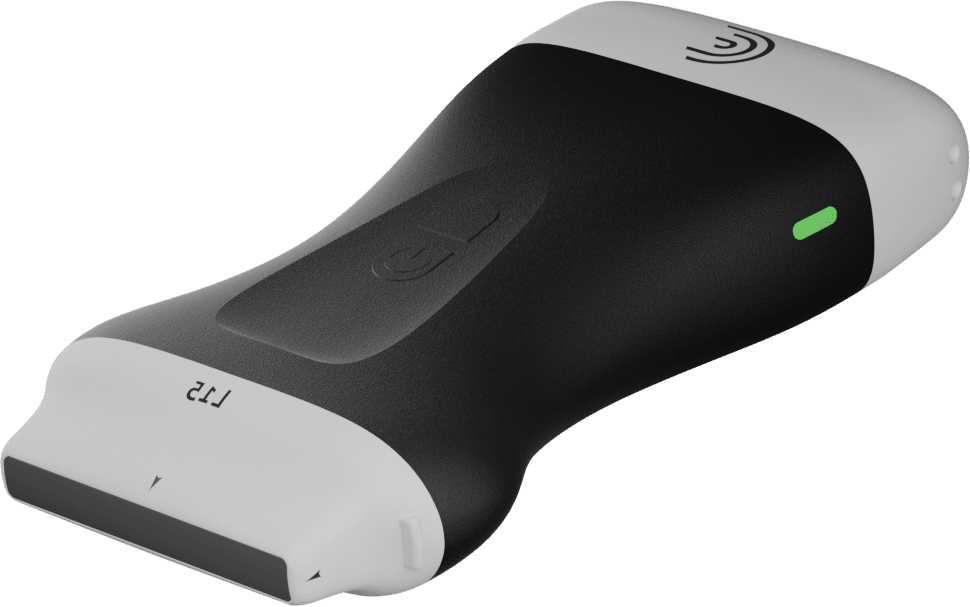
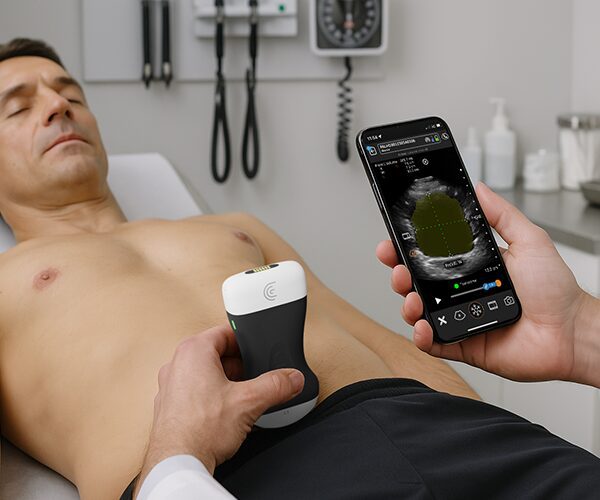
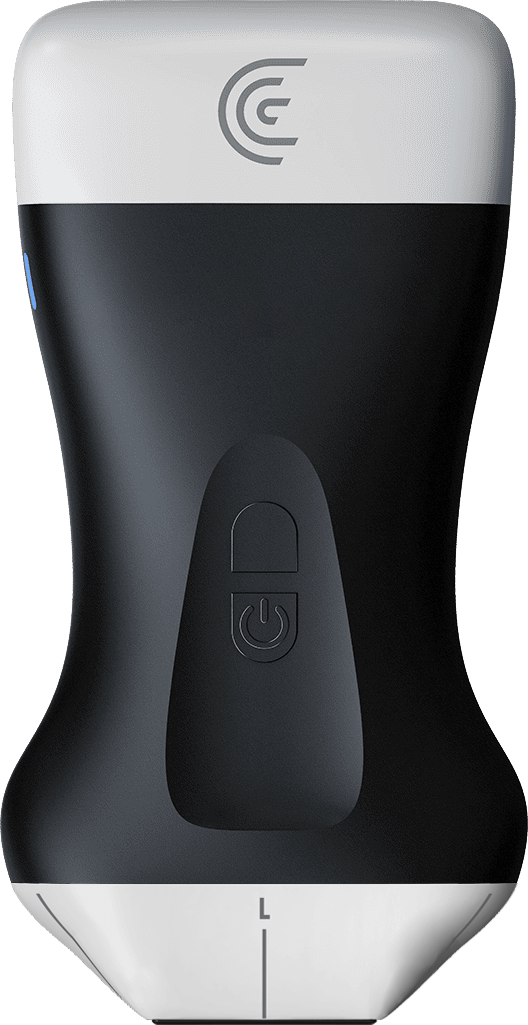
0:3030 secondsmeasurements on the screen. So, let me show you how it works. Using the Clarius PAL PA PA or C3 scanner, you're going to
0:3939 secondsselect the cardiac one of the cardiac presets.
0:4545 secondsAnd for demonstration purposes, we'll start with the paristernal long axis view.
0:5151 secondsSo once I have a good view of the heart in this view, I'm going to go into the tools menu and select ejection fraction.
1:001 minuteAnd right away what you'll notice is a view indicator at the bottom. If I don't have a good view, I'm going to get
1:061 minute, 6 secondsother. Once my view is adequate, we'll get the view indicator activated.
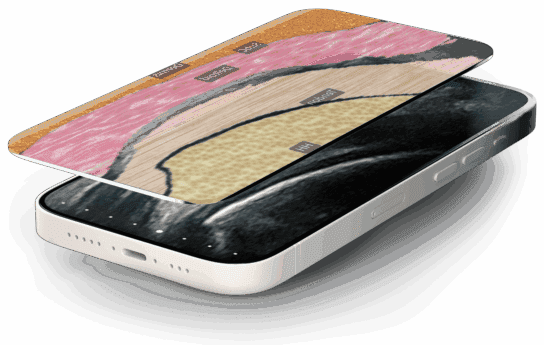
1:121 minute, 12 secondsAnd you'll also notice heat maps on the interventricular septile wall and the posterior wall. We can adjust the opacity of those heat maps just by
1:211 minute, 21 secondsswiping right to left. Now the other thing you're going to notice is we are getting a left ventricular ejection fraction updated in real time. This is
1:301 minute, 30 secondsusing the tyolts method. So if you have the information that you need in your ejection fraction, you can stop there.
1:371 minute, 37 secondsBut if you want to be able to look at different cardiac cycles or if you want to store this information in your
1:441 minute, 44 secondsreport, what you'll do is freeze your image.
1:481 minute, 48 secondsThe AI is going to give you four different cardiac cycles and rate them from one to four in this case with the
1:561 minute, 56 secondsbest quality image being number one and the one that we're directed to right now. I can look at that information in
2:062 minutes, 6 secondsdiastilly or cy just by tapping on one of them.
2:112 minutes, 11 secondsAnd the other thing that I can do is I can adjust where those calipers are if I'm not quite convinced that they're in the right spot. But the AI does a really
2:182 minutes, 18 secondsgood job. So again, I'll look at the systolic view. I'm happy with that. If I like those images, I'm going to click
2:262 minutes, 26 secondsthe camera icon and store those measurements into the report.
2:302 minutes, 30 secondsNow, when I go back to live, if I want to look at this in a parallel short axis view, I'm going to rotate my scanner 90°.
2:392 minutes, 39 secondsAnd you'll see the AI this time is giving us a segmentation of the left ventricular chamber.
2:462 minutes, 46 secondsSo again, same thing. I'm going to give it a couple of cycles, freeze my image, go to cy and diastily, make sure that
2:542 minutes, 54 secondsI'm happy with those results, and then we will take a picture.
3:003 minutesI'm going to move down to the apical window now.
3:043 minutes, 4 secondsAnd again, as soon as my image is adequate,
3:113 minutes, 11 secondsthe AI is going to recognize it and label it with the view indicator. So there we've got our apical fourchamber
3:193 minutes, 19 secondsview. Again, if I want to adjust the opacity of that, I can just to make sure that it's tracking accurately.
3:263 minutes, 26 secondsWe're getting an ejection fraction updated in real time. And again, by freezing the image, I can look at both views, make sure that they're accurate, and then take a picture.
3:383 minutes, 38 secondsSame process happens for the apical two-chamber view as well. So, when you're ready to view your results, you can just hit the back button to get to
3:453 minutes, 45 secondsthe demographics and report page where you can look at all of your measurements and calculations and the views that you've used to get that information. So,
3:553 minutes, 55 secondsas you can see, it's a really nice tool um for looking at cardiac ejection fraction information from different
4:034 minutes, 3 secondswindows. If you only have one window, you can still get the information that you need. So, you know, whether you're in the primary care office or the
4:114 minutes, 11 secondsemergency department or you're out in the field, the ejection fraction gives you access to really valuable left ventricular systolic function information at the bedside.