00:00:00.040 — 00:01:22.820
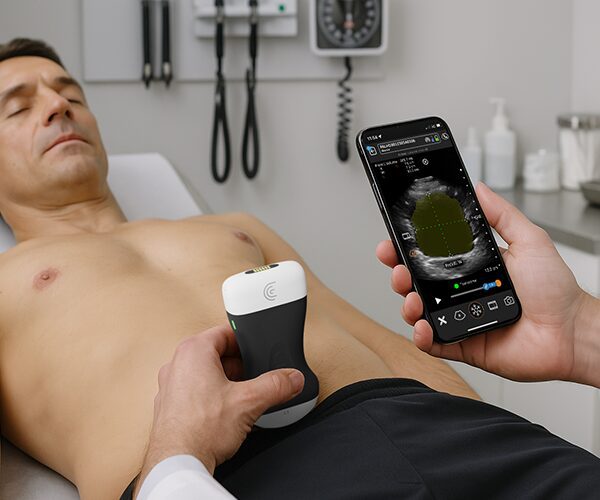
Hi. Today I'm going to tell you about something that's going to change the way you learn how to do abdominal ultrasound. Clarius T-Mode Abdomen was specifically designed to help new users identify commonly imaged structures using ultrasound. There are several abdominal structures with varying ultrasound appearances.
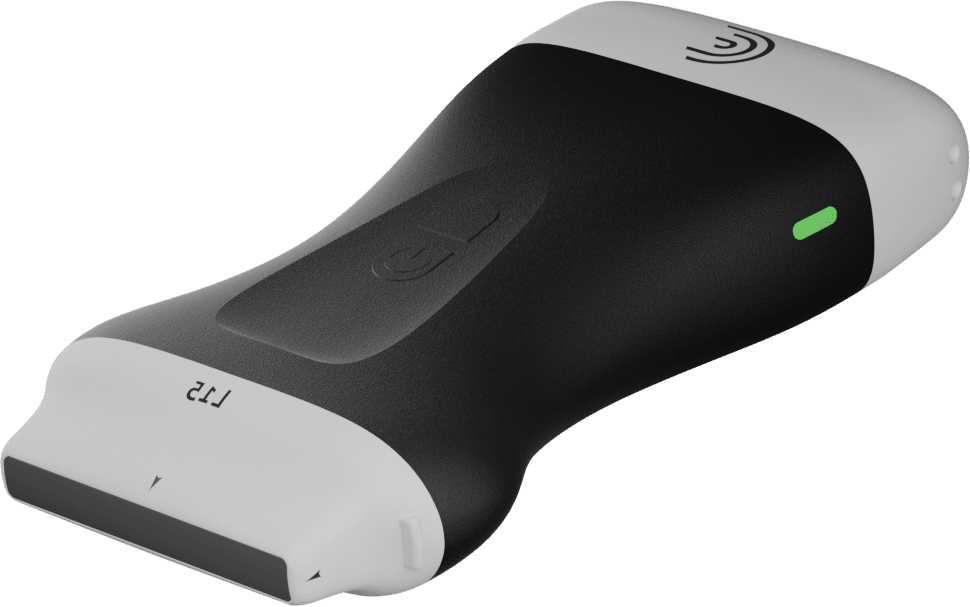
Shades of gray. So oftentimes you ask yourself, okay, what am I seeing here? Is it the liver or is it the kidney? Am I seeing a great vessel? T-Mode is really going to help with that. So let me show you how it works now. T-Mode works with the Clarius C3 and PAL HD3 scanners, and you need to use the abdominal preset.
So once you're ready to go, I will start in the midline here in transverse. And I know from my anatomy that I should be seeing maybe a little bit of the left lobe of the liver, maybe the abdominal aorta in cross-section and the IVC in perfect situations. So let's start scanning here. Take a little breath in Mike.
And right away I'm going to turn on my T-Mode. And yes, what I'm seeing is liver tissue and all this kind of noisy area over here is bowel gas. And so we're getting a label of bowel here. So I'm slowly going to sweep down a little bit further. And we're getting a little bit of aorta here.
00:01:24.820 — 00:01:27.260
And I'll scan down a little bit more.
00:01:29.060 — 00:01:32.220
And we're getting more aorta label.
00:01:34.540 — 00:01:40.420
Now if I rotate my scanner 90 degrees I would expect that we're going to see the aorta in the long axis,
00:01:41.900 — 00:01:54.580
which is what we're seeing here. And we can slide all the way back up towards the left lobe of the liver, which we're seeing here. Now, if I slowly sweep out to the right, take a breath in,
00:01:56.220 — 00:02:01.460
then I can fan through the liver and keep going.
00:02:02.500 — 00:02:05.020
Oh. And now I'm seeing some gallbladder. Here.
00:02:06.420 — 00:02:21.330
You can breathe. Now, the nice feature here is you're also getting live labels. Now, if you want to make this more of a teaching tool, you can turn those live labels off and have your students try to figure out what they're looking at there.
00:02:23.050 — 00:02:30.650
I'm going to activate the live labels again, and I'm just going to slide over to the ribs scan intercostal.
00:02:32.090 — 00:02:34.850
And now I can see the kidney.
00:02:36.170 — 00:02:37.850
And we can fan through that
00:02:38.890 — 00:02:45.370
slowly fan up again. And we can optimize our view of the gallbladder here.
00:02:47.930 — 00:02:50.010
And I can take a picture at any time.
00:02:51.370 — 00:03:01.529
Now what if we turn transverse, take a big breath in right this time. Transverse the liver. Again it's updating in real time
00:03:03.530 — 00:03:06.089
as we slowly sweep down
00:03:07.090 — 00:03:09.170
until we get to the region.
00:03:14.330 — 00:03:19.410
Until we get to the region of the right kidney and transverse, which is being labeled there for us.
00:03:25.830 — 00:03:33.230
So saving images is going to save all the color coding and all the labels to the Clarius Cloud.
00:03:35.750 — 00:03:54.790
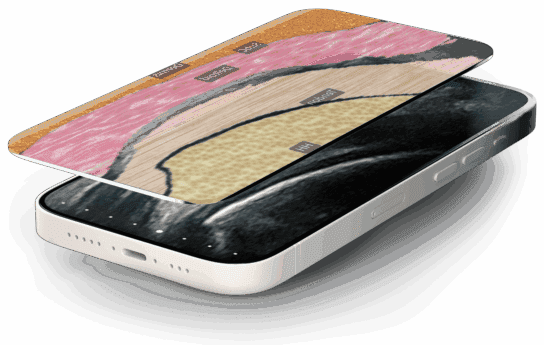
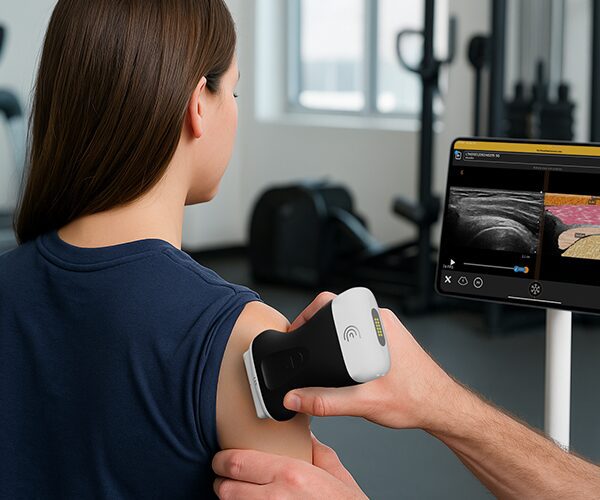
Another nice feature for teaching is the opacity. So once you have your image on the screen, I can just swipe my finger from right to left. And that applies an opacity layer to the grayscale image. And this is sometimes helpful for people learning how to distinguish the different shades of gray as well.
00:03:59.550 — 00:04:18.750
So the T mode abdomen also works on the left side, the spleen and the left kidney. Clarius T mode really does turn every scan into a teaching moment, and it's really going to bridge the gap between not knowing at all what you're seeing when you place your scanner down to becoming more confident with abdominal imaging.