





Clarius Classroom

How to Use Clarius Auto Aesthetics Calipers for Facial Tissue Layer Measurement

Shelley Guenther, CRGS, CRCS

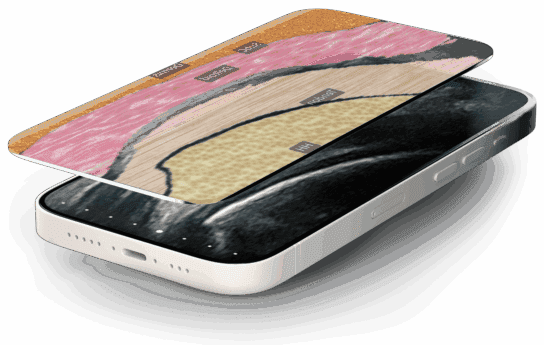
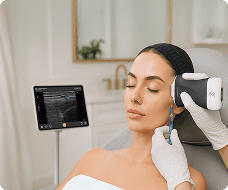
Injections in the pyriform area require precise identification of subtle facial tissue layers. In this tutorial, learn how Clarius T-Mode Pyriform adds a textured, color-coded overlay alongside your live grayscale ultrasound image to help build confidence and accuracy required for aesthetic procedures.

How to Activate T-Mode Pyriform:

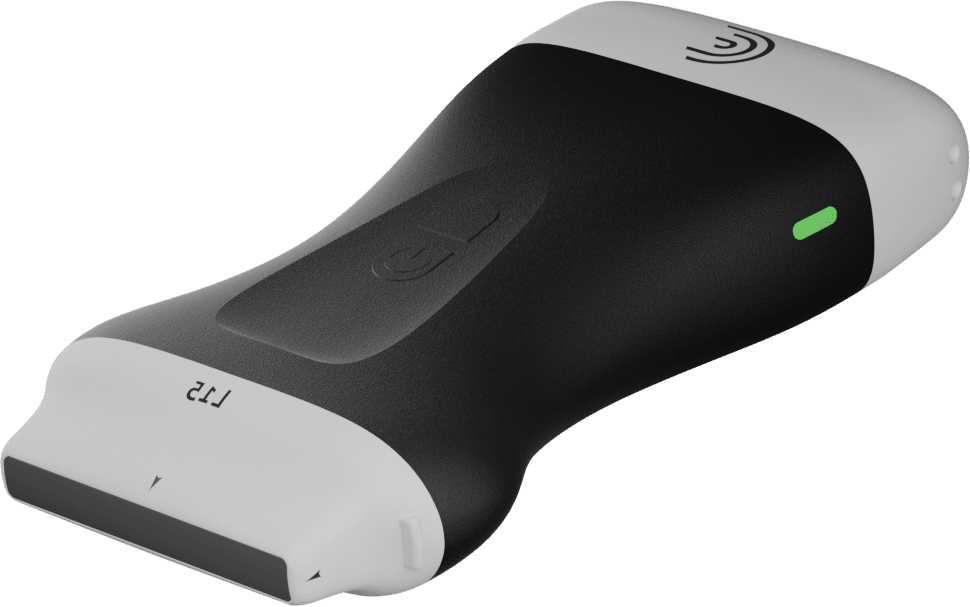
Connect your Clarius L20 or L15 high-frequency scanner.

Select the Pyriform preset, or in the Aesthetics preset, tap the Pyriform icon.

Place the probe over the target area and tap the ‘T’ icon to activate the split-screen overlay.

Key Features & Tools Covered:

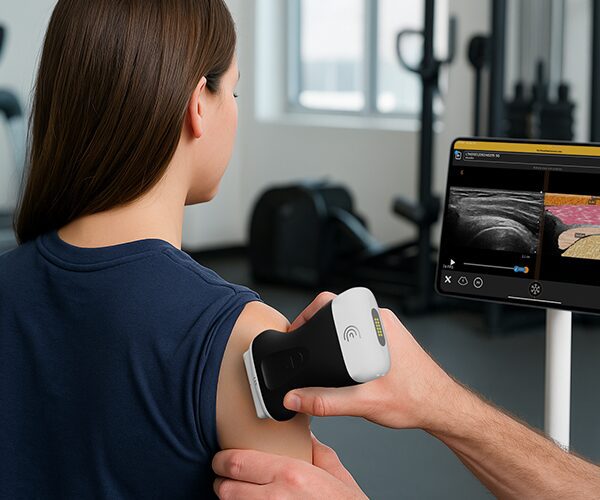
Side-by-Side Visual Overlay: View the color-coded anatomical overlay right next to your real-time B-mode image.

Live Anatomical Labels: Toggle tissue labels on or off to quiz yourself or test your students.

Opacity Control: Adjust grayscale image opacity to highlight tissue structures.

Cloud Storage & Reports: Freeze, capture, and store labeled scans directly to patient reports and the Clarius Cloud.

Specialties: Aesthetics
Applications: Aesthetics

00:00:00.200 — 00:01:00.040
Clarius Auto Calipers provides a quick and easy way to measure tissue layer thickness by automatically placing calipers on the anatomy that you're seeing on the ultrasound image. This will help aesthetic and dermatology clinicians plan treatments and track progress over time, providing quantitative information for their patients to track their treatment efficacy.

So I'll show you how it works. Using the curious L 20 or L 15 scanner. You're going to want to select one of the aesthetic preset. In this case I've selected the cheek. The dermatology preset will also work. So in the cheek we can see some different tissue layers. But they may be subtle. And we want to be able to measure these accurately and easily.

So I'm going to activate the AI at the bottom of the screen. And right away we're going to see the different layers labeled for us. So

00:01:01.920 — 00:01:16.680
when I hit the freeze button adjustable calipers are automatically placed, saving you from having to measure each layer manually. As I mentioned, these are totally adjustable by the user.

00:01:18.440 — 00:01:38.800
Saving images will save the measurement information into the report so that you can track tissue thickness over time. So for a streamlined way to measure tissue layer thickness over time, Clarius Auto Aesthetic Calipers provides a quick and reliable and repeatable way to perform these measurements.

Products Used

More Classes

Request a Quote

With 8 scanners available, we offer a wireless ultrasound solution tailored to your needs. Request a quote to discover which scanner can deliver the best ultrasound imaging for your practice.

⚠️ Clarius ultrasound is for medical professionals only.

By providing my email, I consent to receive Clarius webinar invitations, case studies, whitepapers, and more, and I consent to the Clarius Privacy Policy. I can unsubscribe anytime.