


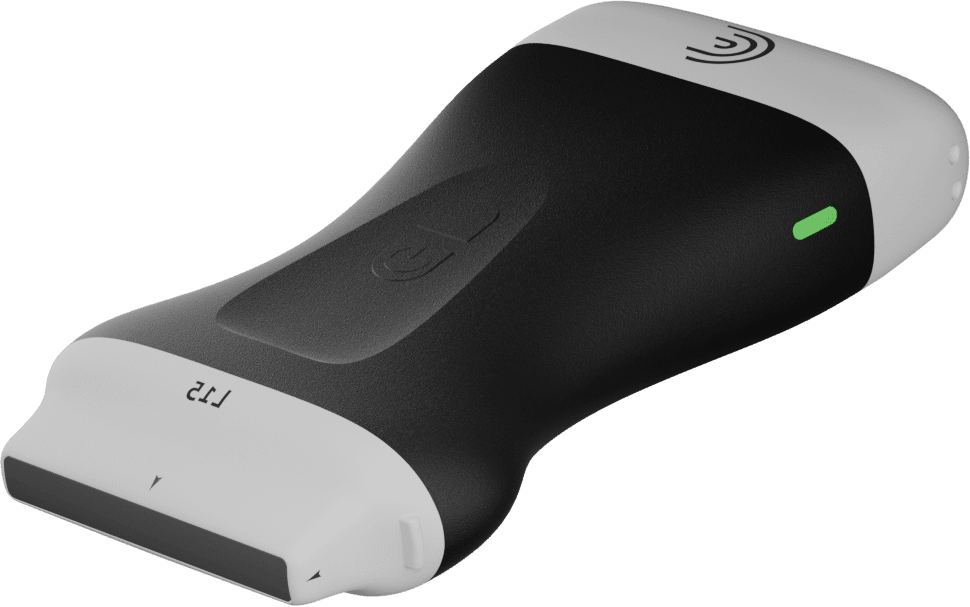

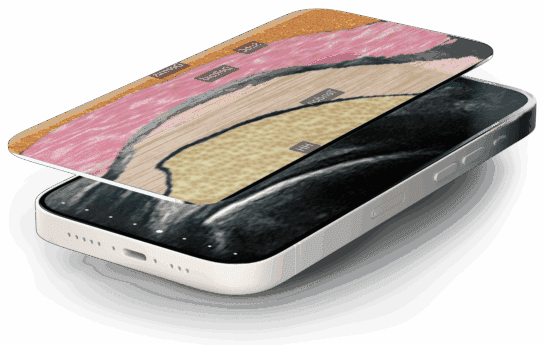
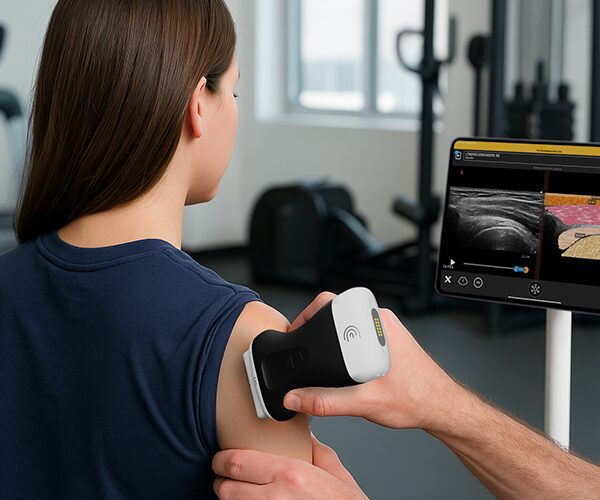
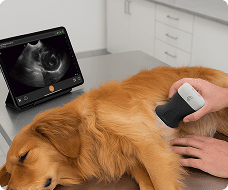


In this instructional video, Shelly and her dog, Squish, demonstrate how to use the T-Mode Abdomen Vet feature on a Clarius veterinary scanner. Designed as an educational tool to help new users recognize ultrasound anatomy, T-Mode automatically highlights and labels internal structures in real time.
Key Highlights
Scanner Setup: Shelly begins by using the abdominal preset and selecting the small animal option, noting that users can easily tap to adjust footprint sizes and depth for larger dogs.
Spleen Identification: Upon placing the scanner on Squish’s abdomen and activating the « T » button at the bottom of the screen, the software instantly generates a graphical representation of the anatomy, with live labels clearly identifying the spleen.
Gallbladder and Liver Evaluation: By pointing the scanner underneath the right rib cage, T-Mode dynamically identifies and labels the gallbladder and liver in real time.
Image Capture and Review: The demonstration highlights the ability to freeze the screen, scroll back to find the optimal frame, and capture an image—saving both the ultrasound image and its labels directly to the cloud.
Additional Applications: Shelly notes that T-Mode is also highly effective for identifying kidneys, making it a valuable feature for those navigating their ultrasound learning journey.
