





Salle de Classe Clarius

How to Use Clarius T-Mode™ Lung for Point of Care Ultrasound

Shelley Guenther, CRGS, CRCS

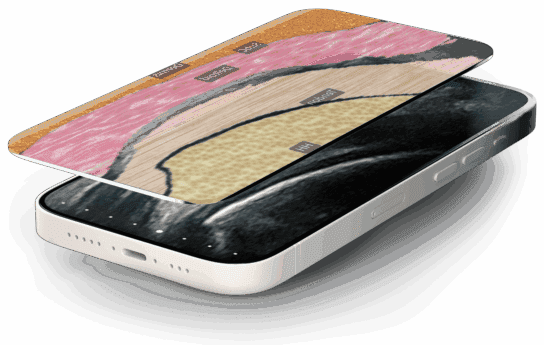
New to lung ultrasound? Clarius T-Mode Lung uses AI-driven anatomical overlays to turn everyday POCUS scans into an interactive learning tool. By displaying a live B-mode image side-by-side with a color-coded tissue overlay, T-Mode helps clinicians and students quickly identify key thoracic structures and build confidence.

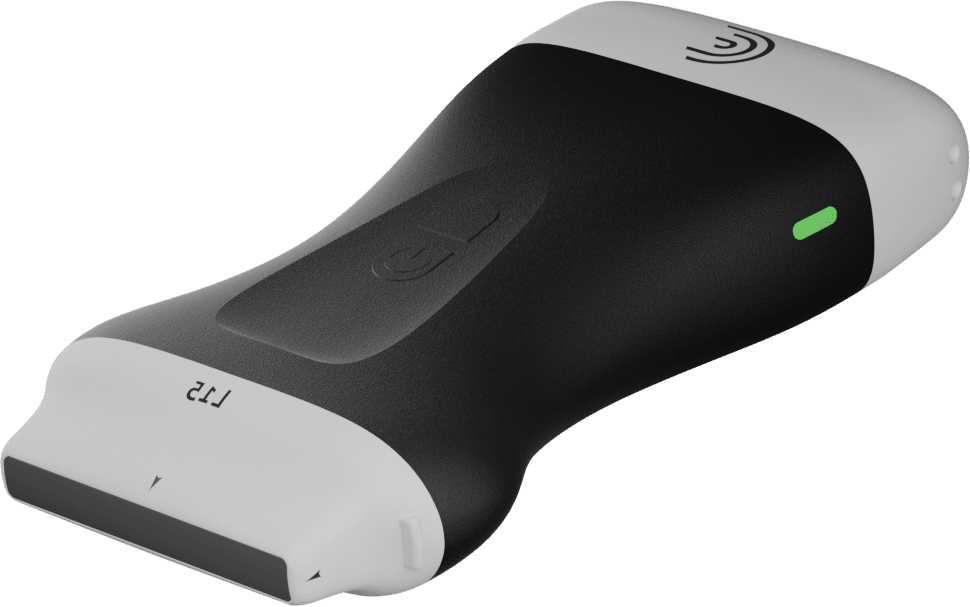
Compatible Scanners: Clarius C3, PAL, L7, and L15 scanners (using the Lung Preset).

Key Features & Workflow:

Sagittal Placement: Position the scanner in the long-axis plane to visualize tissue layers from the dermis to the pleural space.

Side-by-Side Visual Overlay: Clearly differentiate between dermis, subcutaneous tissue, muscle, ribs (with diagnostic acoustic shadows), and lung tissue.

Interactive Live Labels: Toggle anatomical labels on or off to quiz students or test your own knowledge.

Opacity Adjustment: Slide to adjust grayscale opacity for optimum image contrast and anatomical clarity.

Cloud Integration: Freeze, capture, and automatically save both B-mode and labeled T-Mode scans directly to the Clarius Cloud.

Spécialités : Primary Care
Applications : Lung, Lung Deep, Lung Shallow

00:00:00.080 — 00:02:07.340
Hello. If you're new to lung ultrasound and you're not really confident on what you're seeing on the ultrasound image, Clarius Lung is a great place to start. Now, T-Mode Lung is available on the Clarius C3 scanner that I'm using today, as well as the PAL, L7, and L15 linear scanners. What you want to do is make sure that you're using the lung preset so that the AI knows which anatomy it's going to display for you.

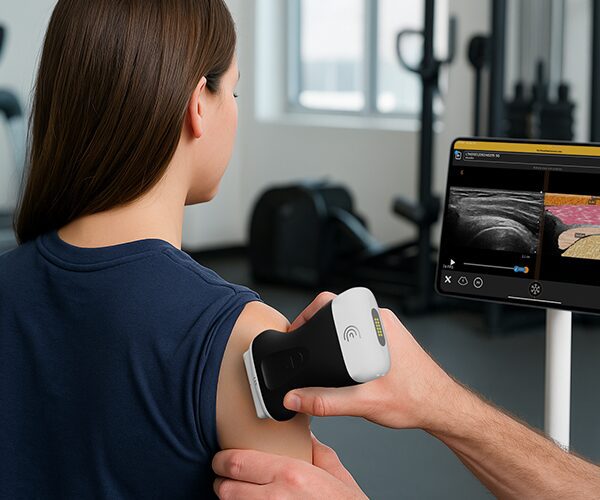
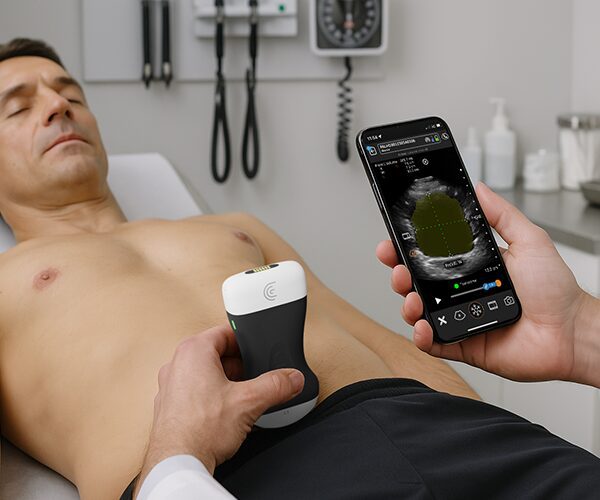
So I'm going to place my scanner in the sagittal or long axis plane on my patient's chest. That's pretty typical technique for lung scanning. And right away I'm seeing several structures several different shades of gray. So what am I seeing here? I'm going to activate my T-Mode. And right away we're going to see this nice side by side representation of the anatomy.

So grayscale on the left and the T-Mode image on the right. I'm going to just decrease my depth a little bit just to display that a little bit more clearly. And you'll see here that we're getting everything from the dermis to the soft tissue muscle. We're getting ribs with the actual shadows behind them, which is very helpful when you're scanning lungs and the lung tissue itself.

At any time I can turn off the live labels. If you want to challenge your students or yourself a little bit more, I'm going to turn those back on. Another nice tool is the opacity, so you can increase the opacity of your grayscale image just by sliding your finger from right to left on the screen. And this is well is a really nice teaching tool for some people.

It just makes things a little bit more clear. So I'm going to freeze my image. And when I save an image, the B-Mode as well as the T-Mode image, including labels are going to be stored to the cloud. So T-Mode lung turns every ultrasound image into a labeled layer by layer teaching tool, so that you can build more confidence when you're learning how to scan the lungs.

Produits utilisés

Plus de cours